Platform (Product Guide)
Info
Every feature page follows the same template: What is it · Why it matters · How it works.
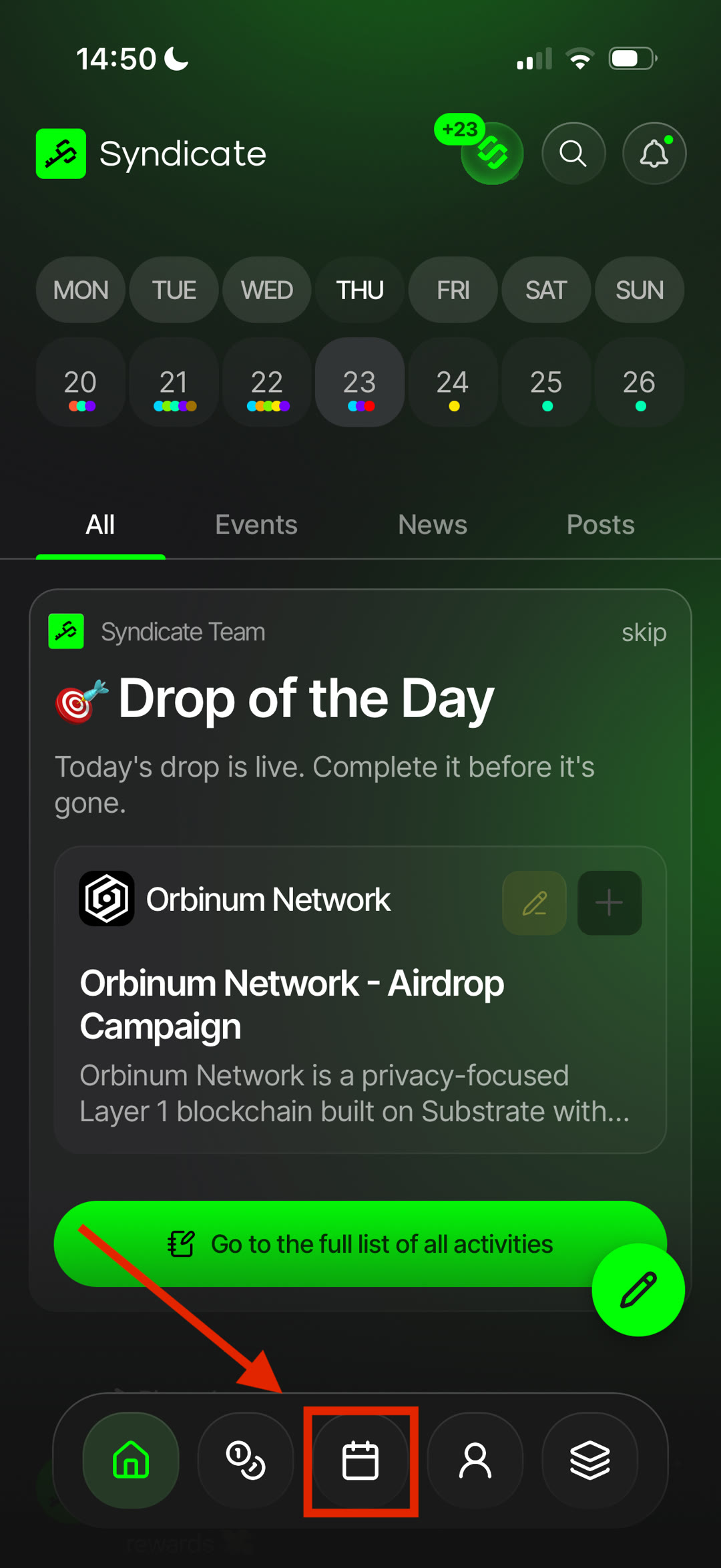
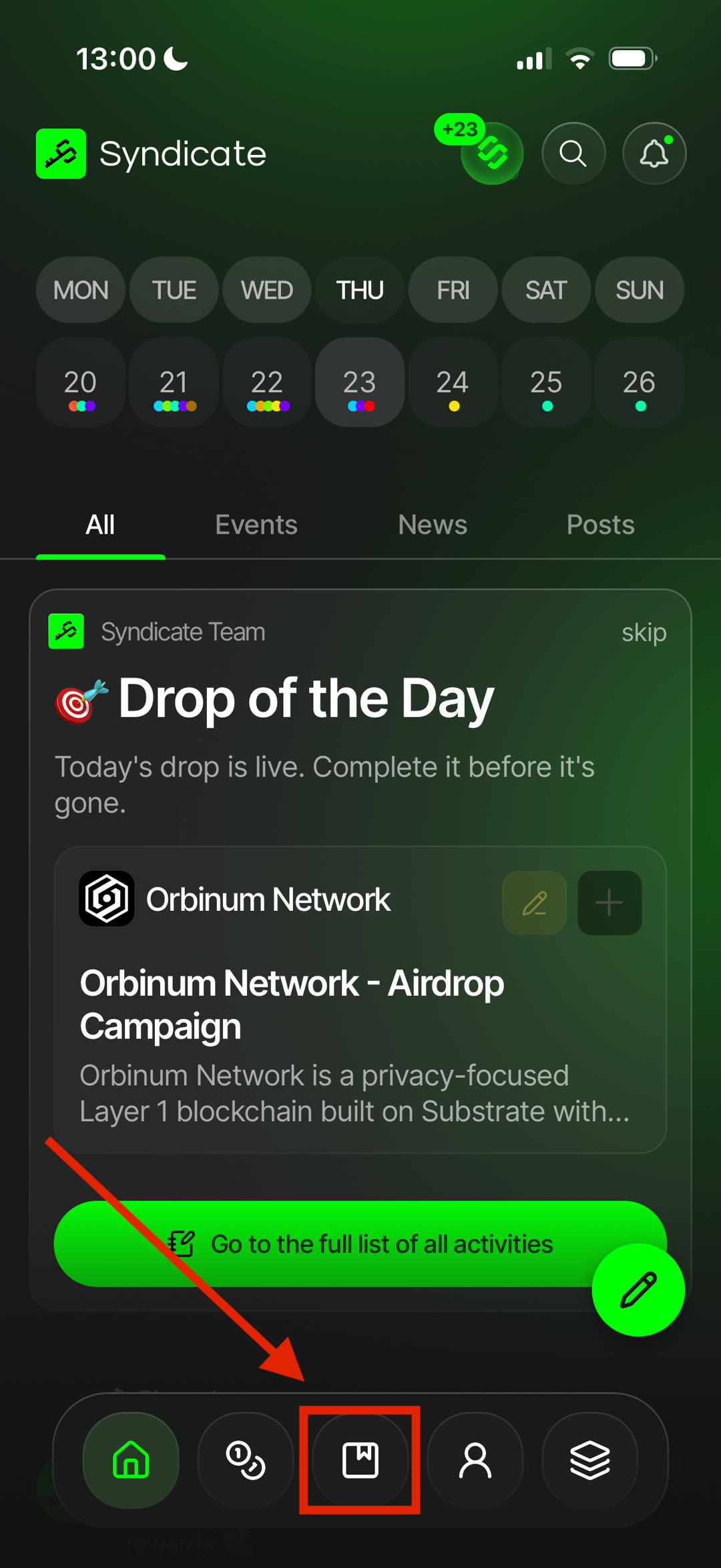
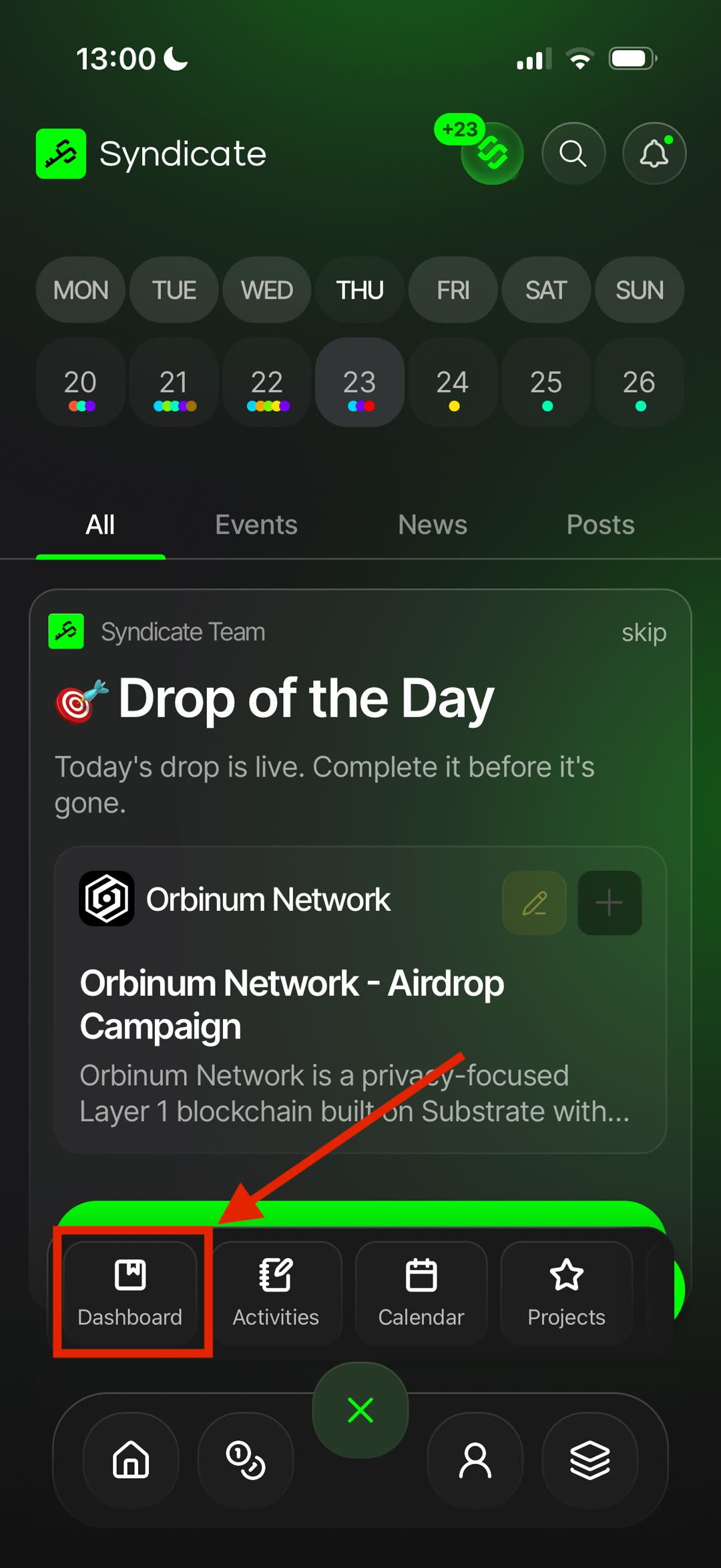
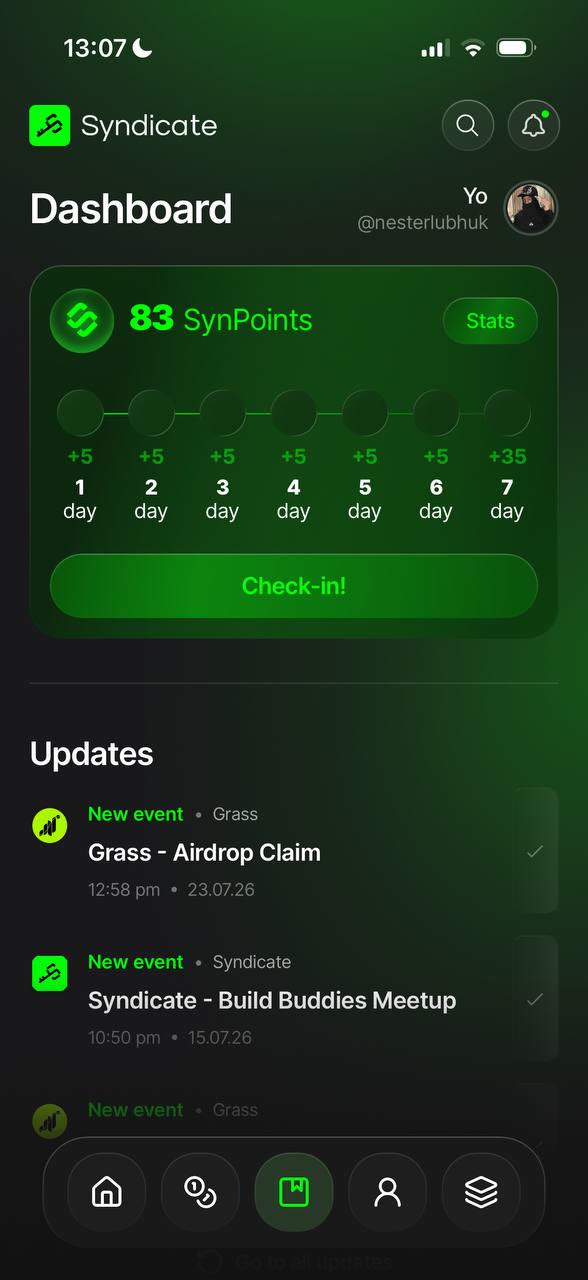
Dashboard 🟢
- What: your home screen — a snapshot of your activity, points and what's happening now.
- Why: everything important in one glance.
- How: open the app to land here; tap any card to dive in.
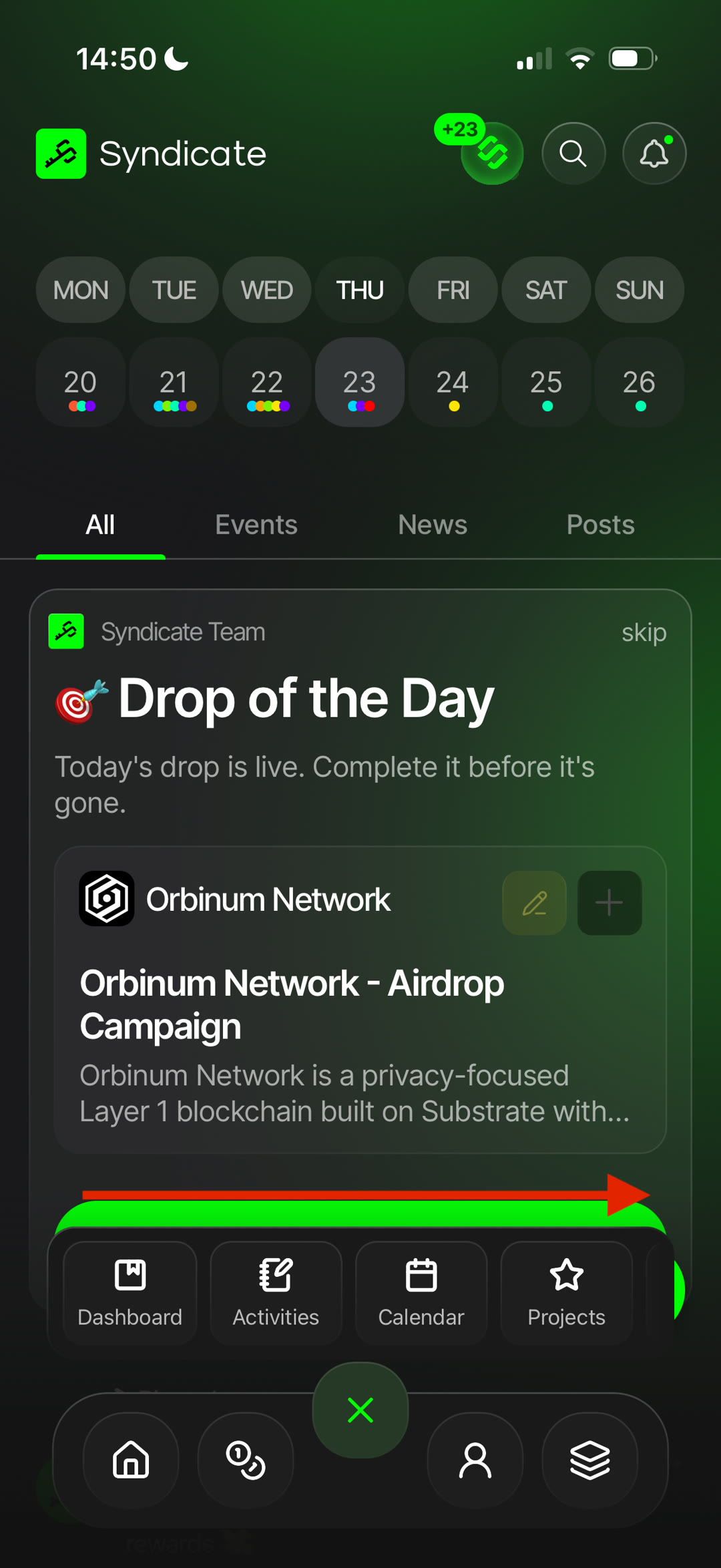
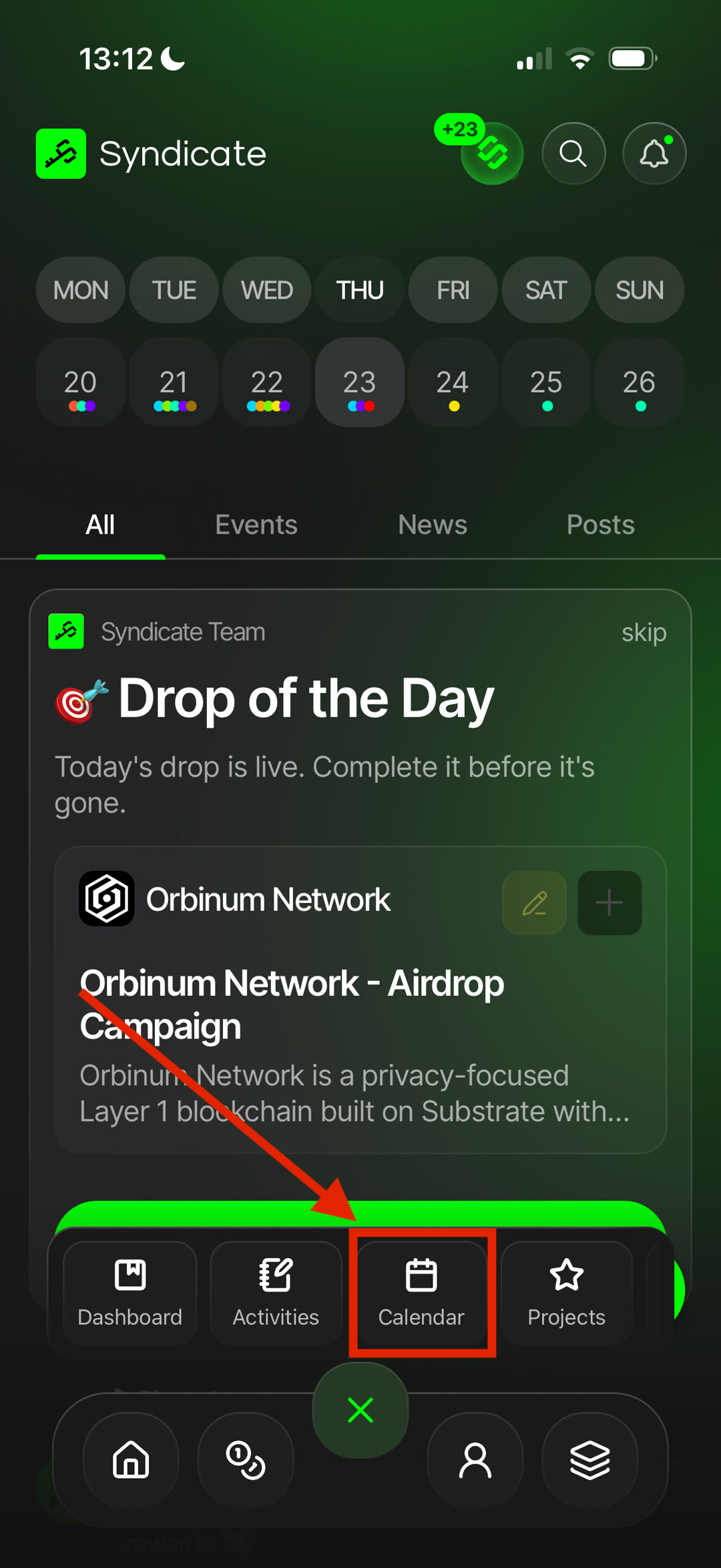
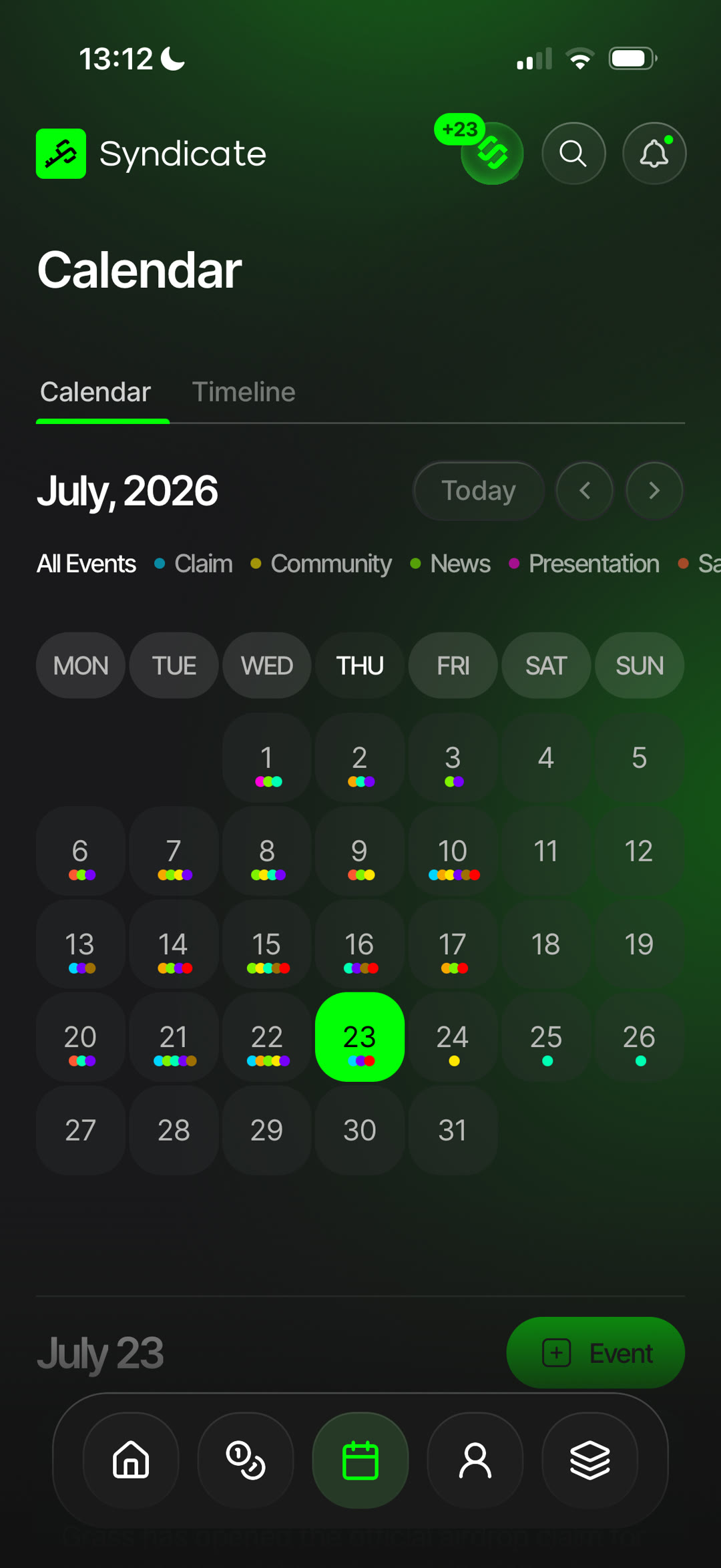
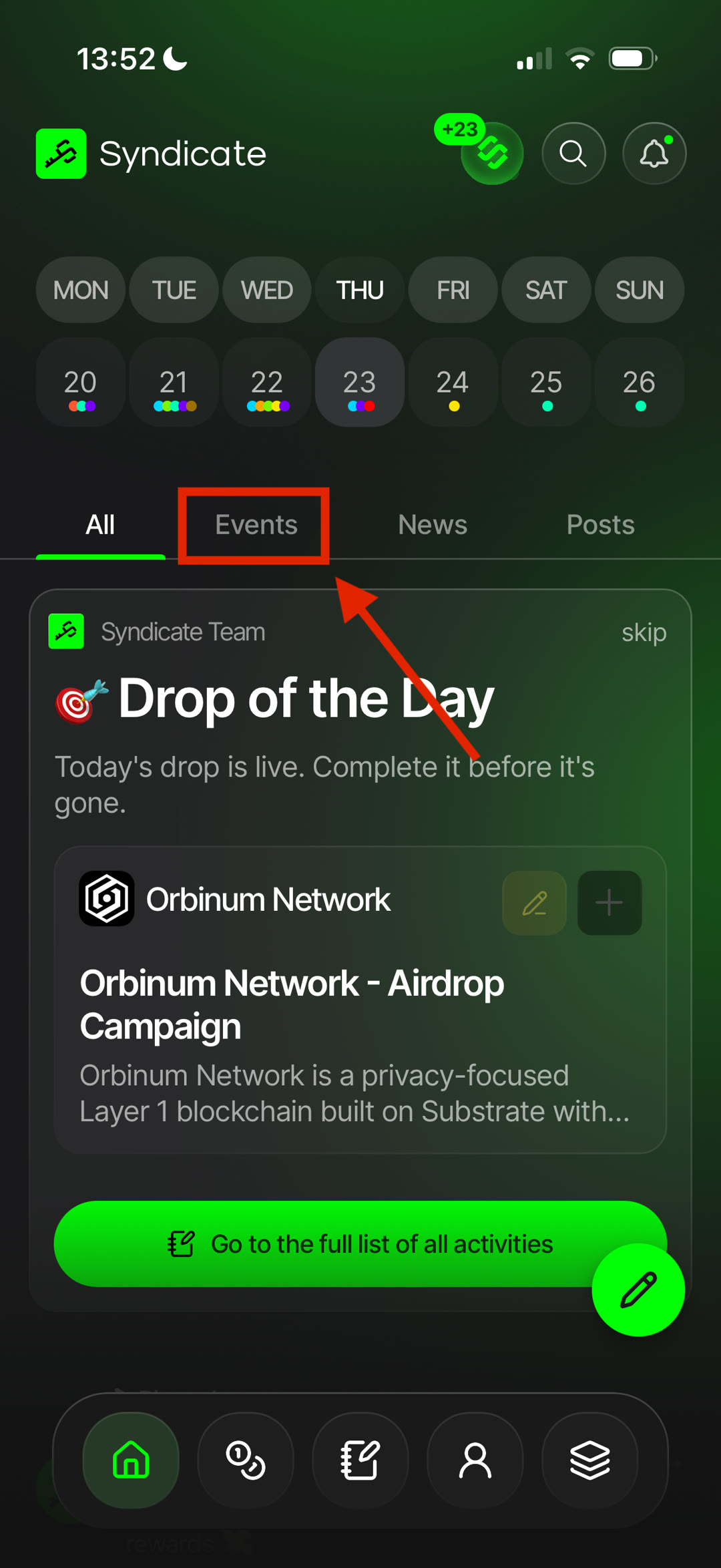
Calendar 🟢
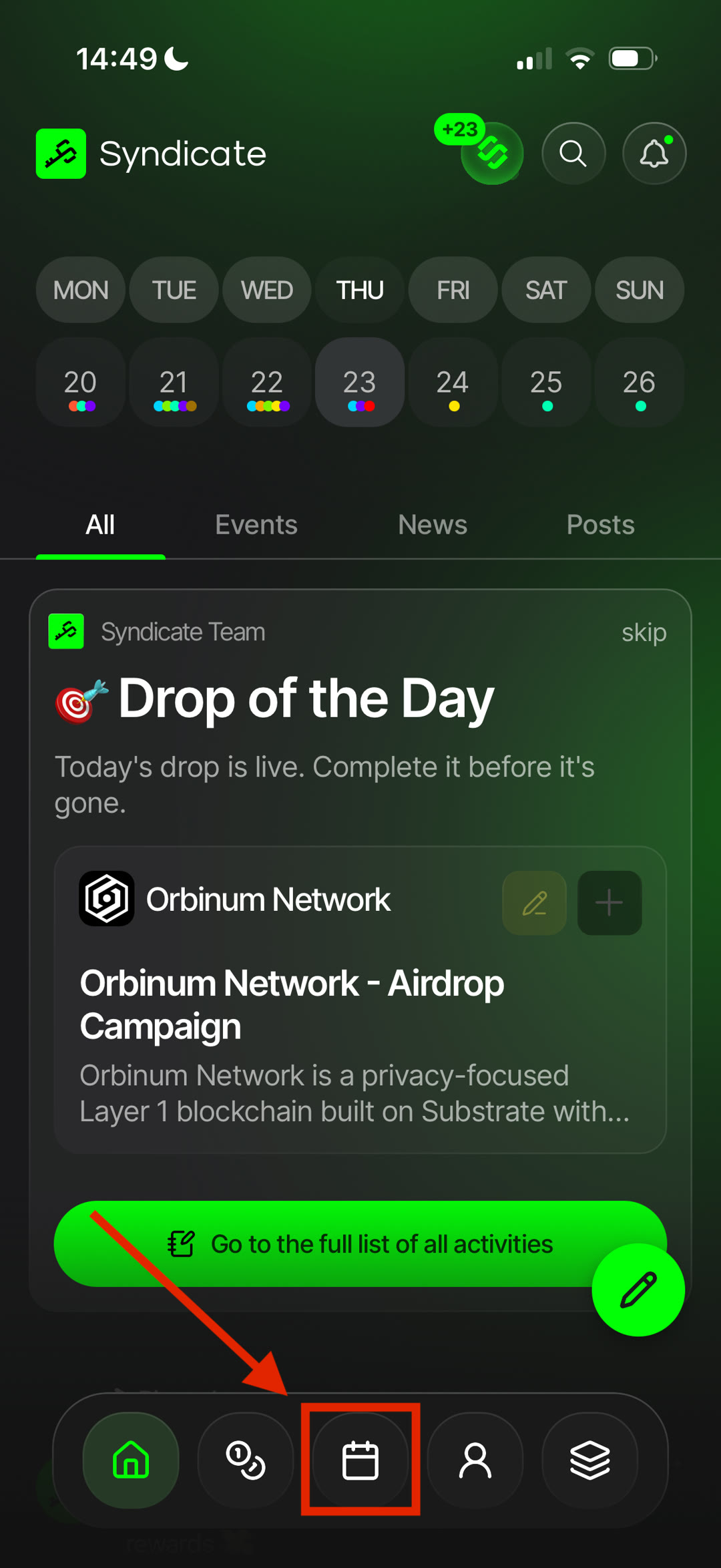
- What: the Calendar brings together upcoming campaigns, events, launches, and other important dates across the crypto ecosystem.
- Why: keep track of deadlines, plan ahead, and stay on top of upcoming opportunities.
- How: browse events by date, open any entry for more details, and jump directly to the related project or activity.
Reminders — save events and receive notifications before they begin.
Filters — filter the calendar by event type, project, and other available categories.
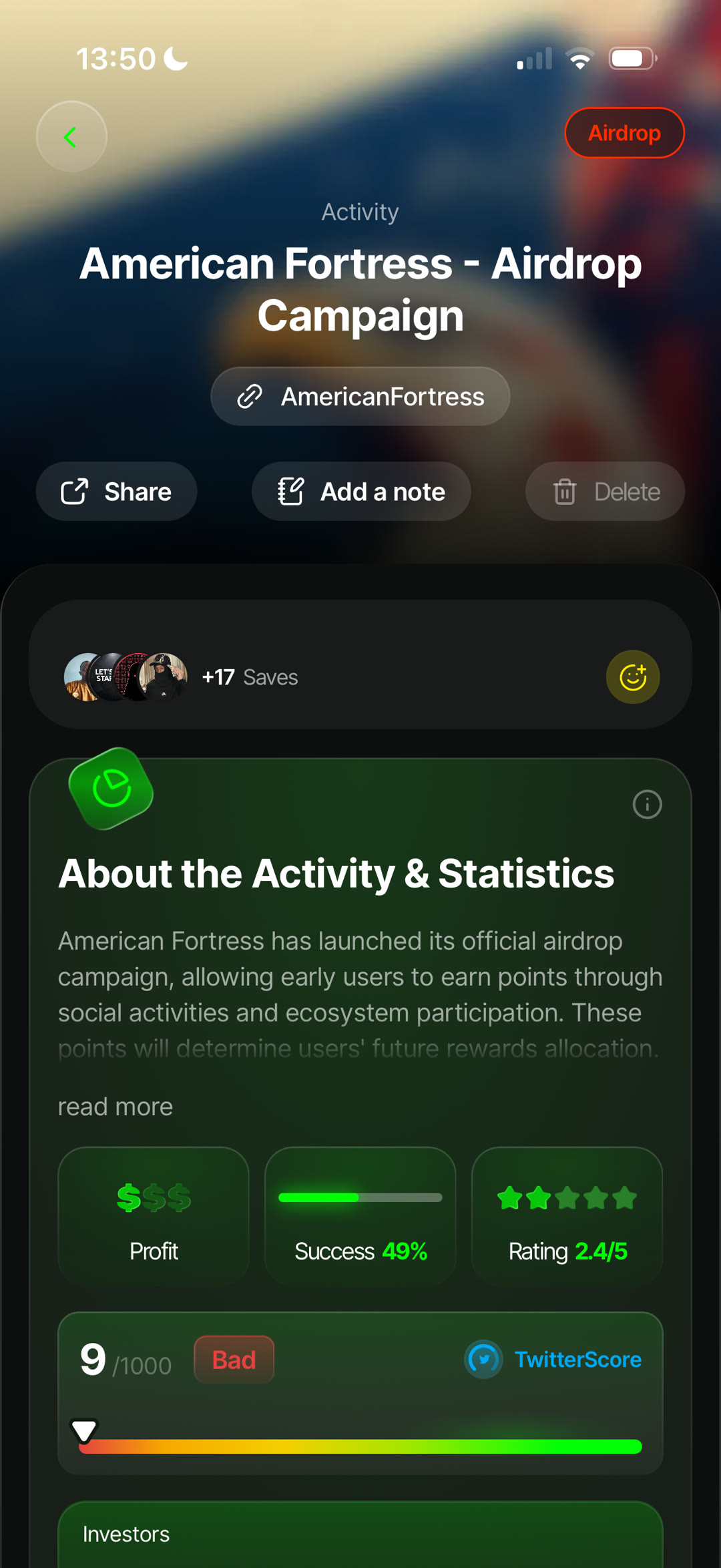
Activity 🟢
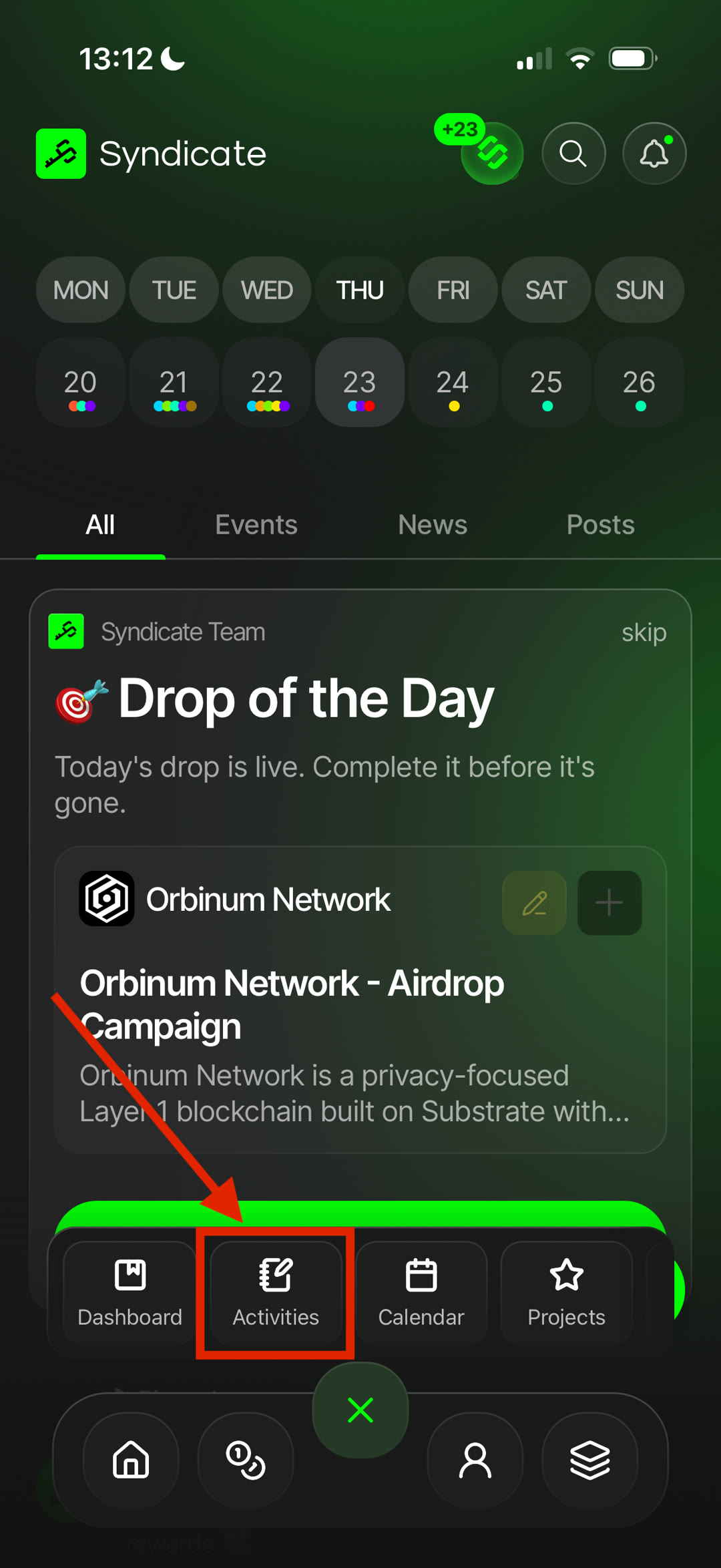
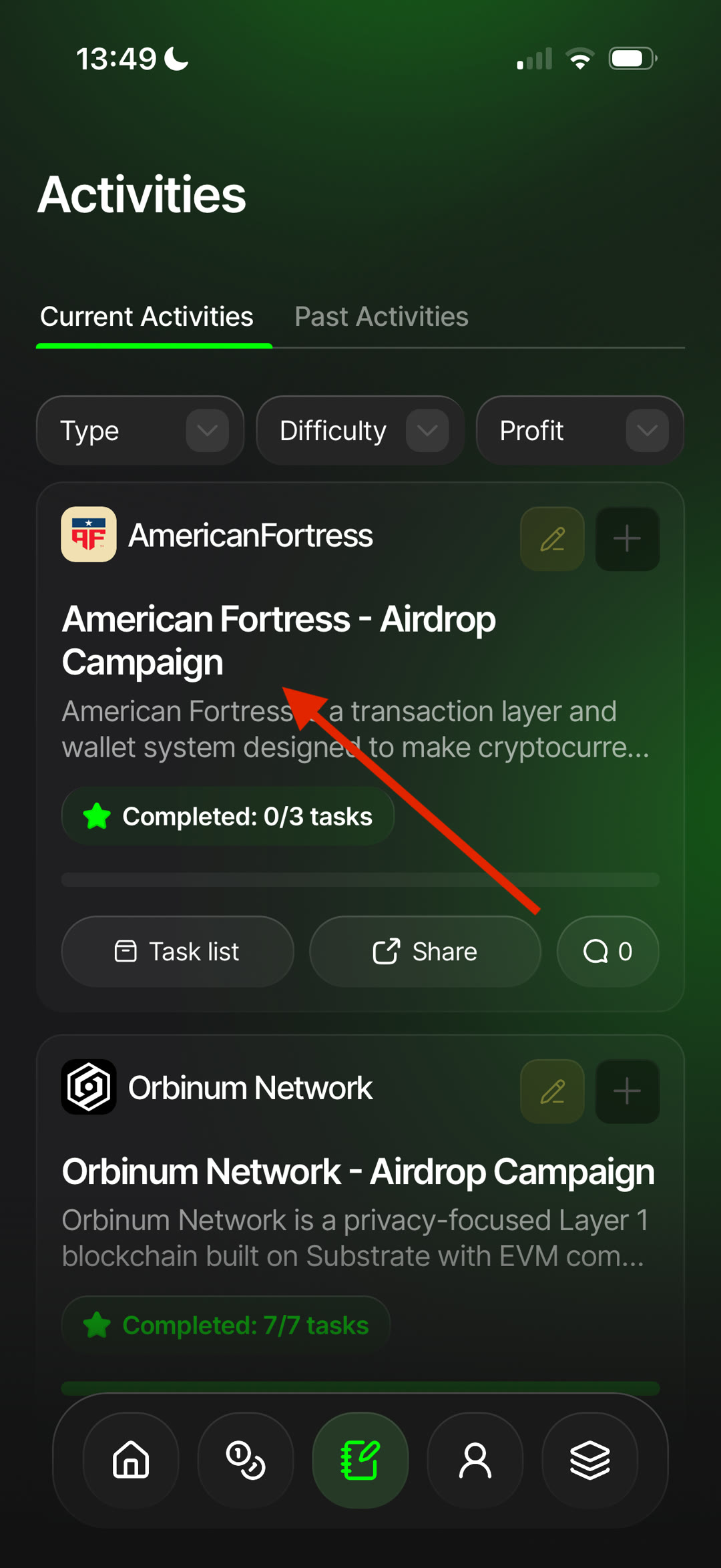
- What: a live feed of every opportunity published in Syndicate, including new campaigns, updates, and recently added activities.
- Why: discover new opportunities as they're added and keep track of the projects you're interested in.
- How: the feed displays activities from all projects available on Syndicate. Open any activity to view details, rewards, guides, and related information.
Filtering Activity — filter the feed to quickly find specific types of opportunities:
Airdrops Testnets Ambassador Programs Episodes
Tracking Projects — follow projects to receive smart notifications about new activities, important updates, and upcoming opportunities related to them.
Events 🟢
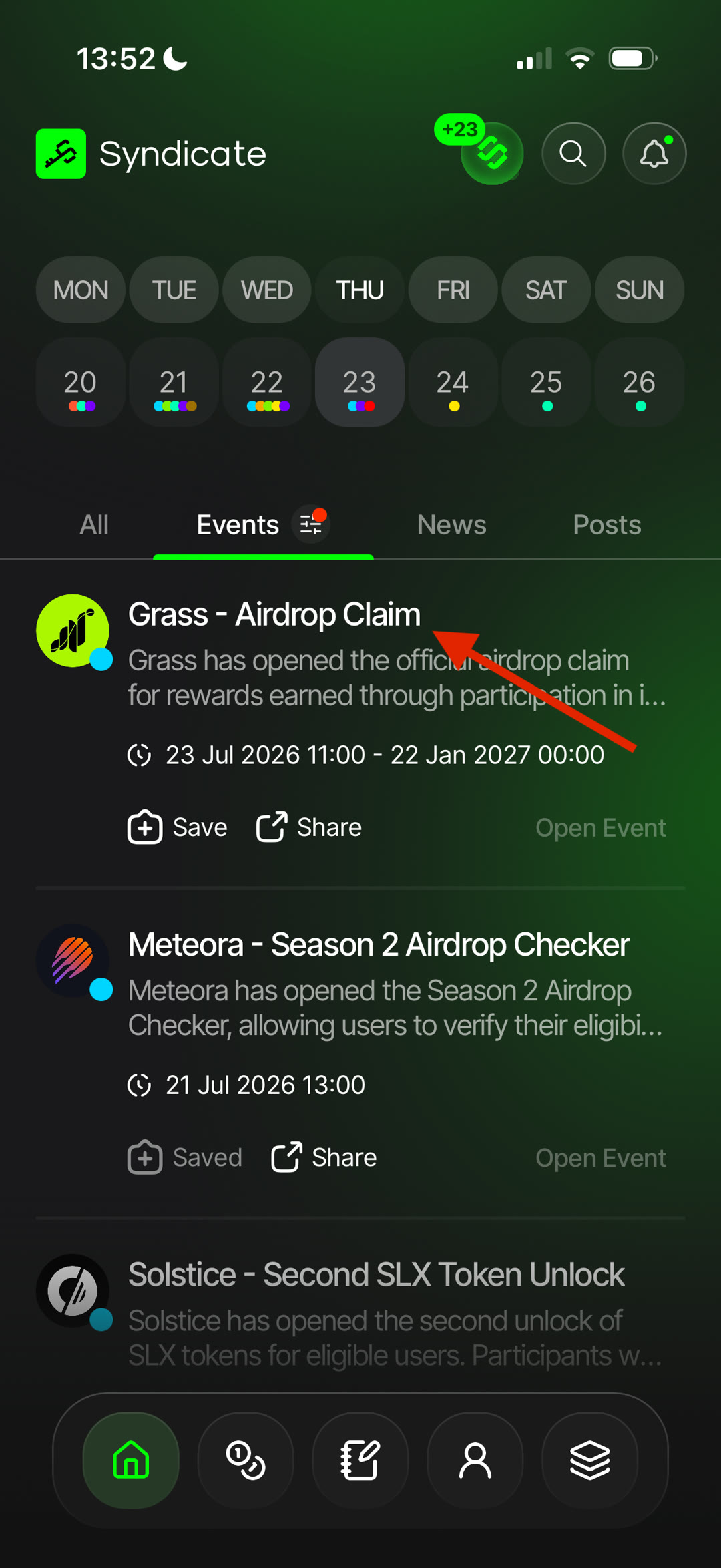
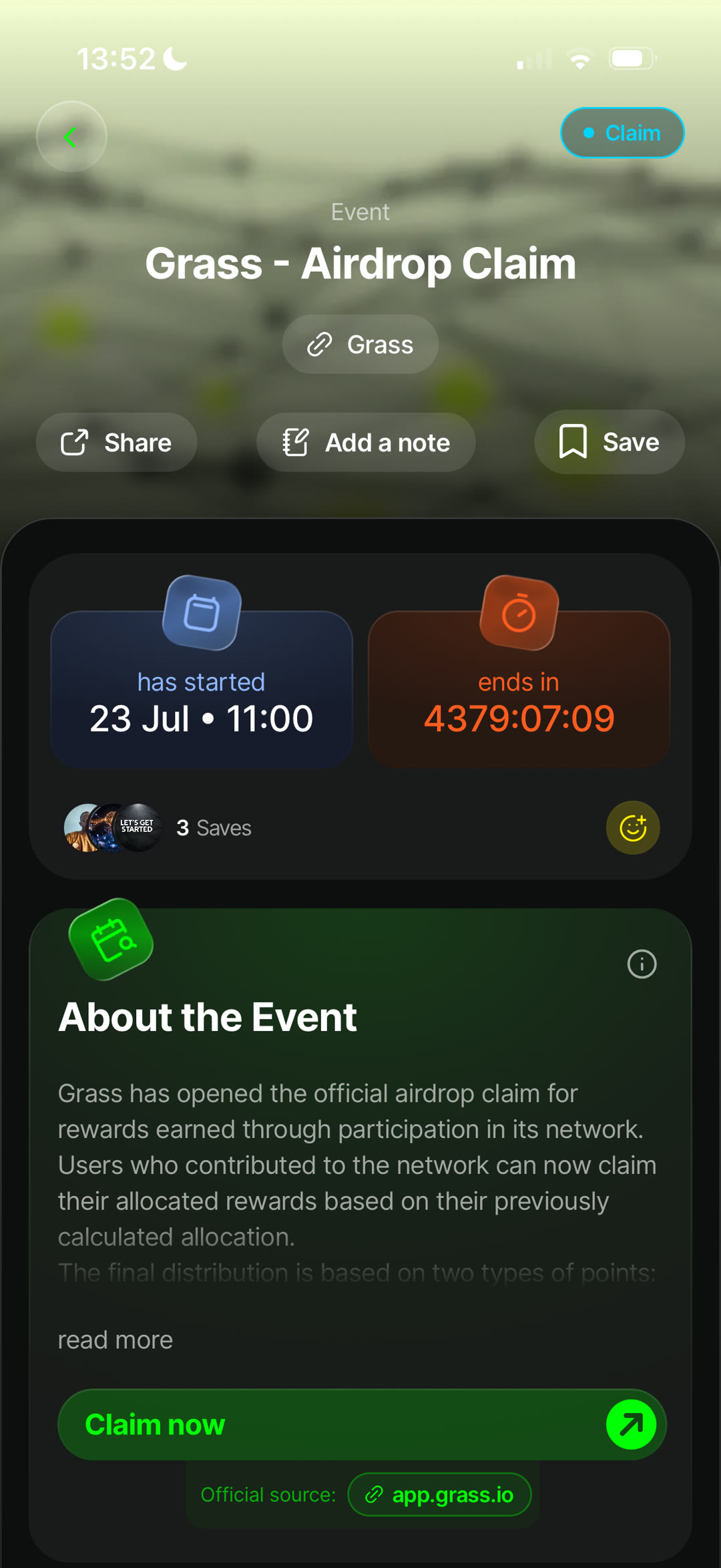
- What: Events highlight important dates and milestones from projects, helping you plan ahead and never miss an opportunity.
- Why: track upcoming events, prepare for key dates, and receive timely reminders before they happen.
- How: save events you're interested in to keep them organized and easily accessible from your Calendar.
Event Types — Syndicate supports different types of events, including:
Claim Community News Presentation Sale Tokenomics Promo Campaign Launch Syndicate Alpha
Notifications — enable notifications to receive automatic reminders for saved events and important updates directly on your device.
Feed 🟢
- What: Feed is the community hub where users share posts, discuss projects, and exchange crypto insights.
- Why: the pulse of the Syndicate community.
- How: create posts to share guides, discoveries, market insights, or useful information with the community.
Interacting with Posts — support other users by liking, commenting, and saving posts to revisit them later.
Community Guidelines — help keep Feed useful and welcoming by sharing relevant content and respecting other community members.
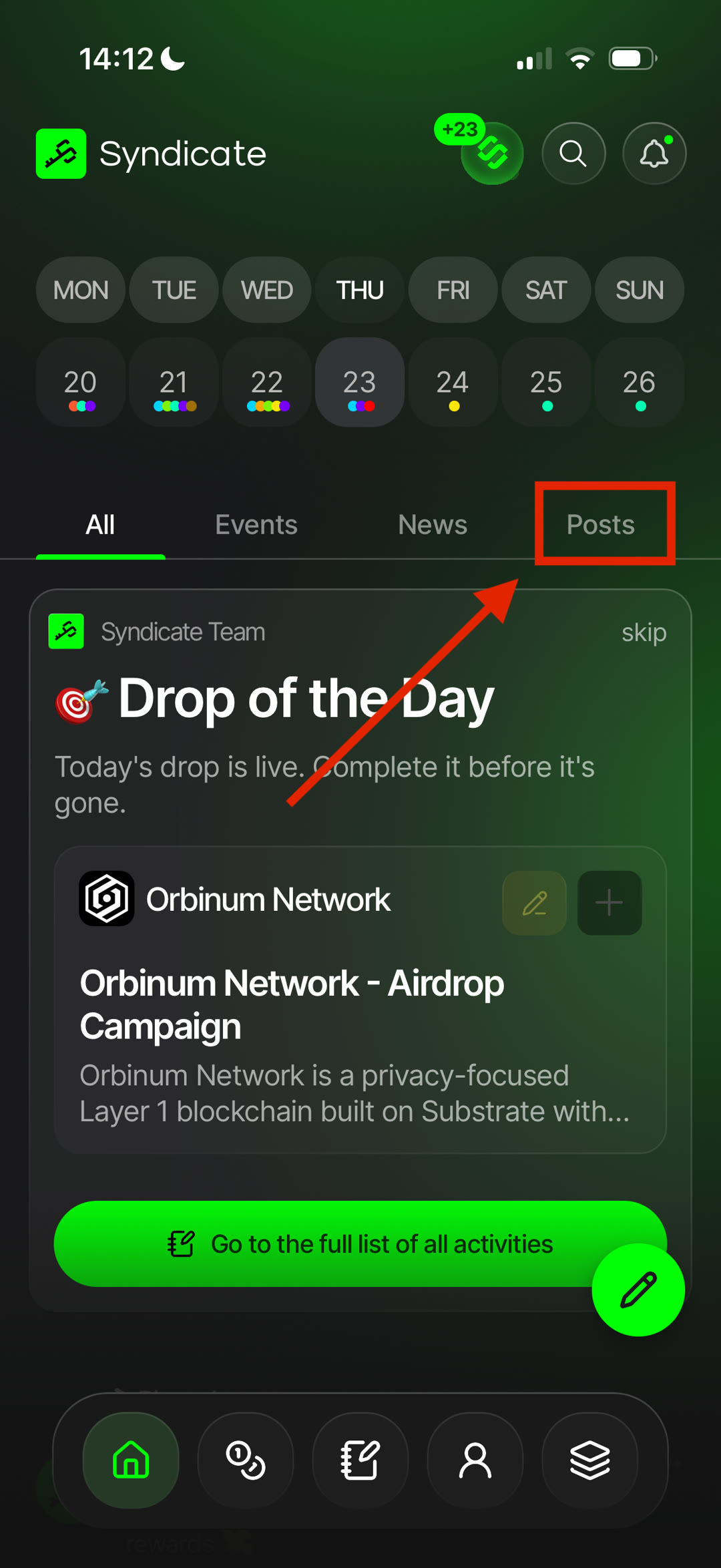
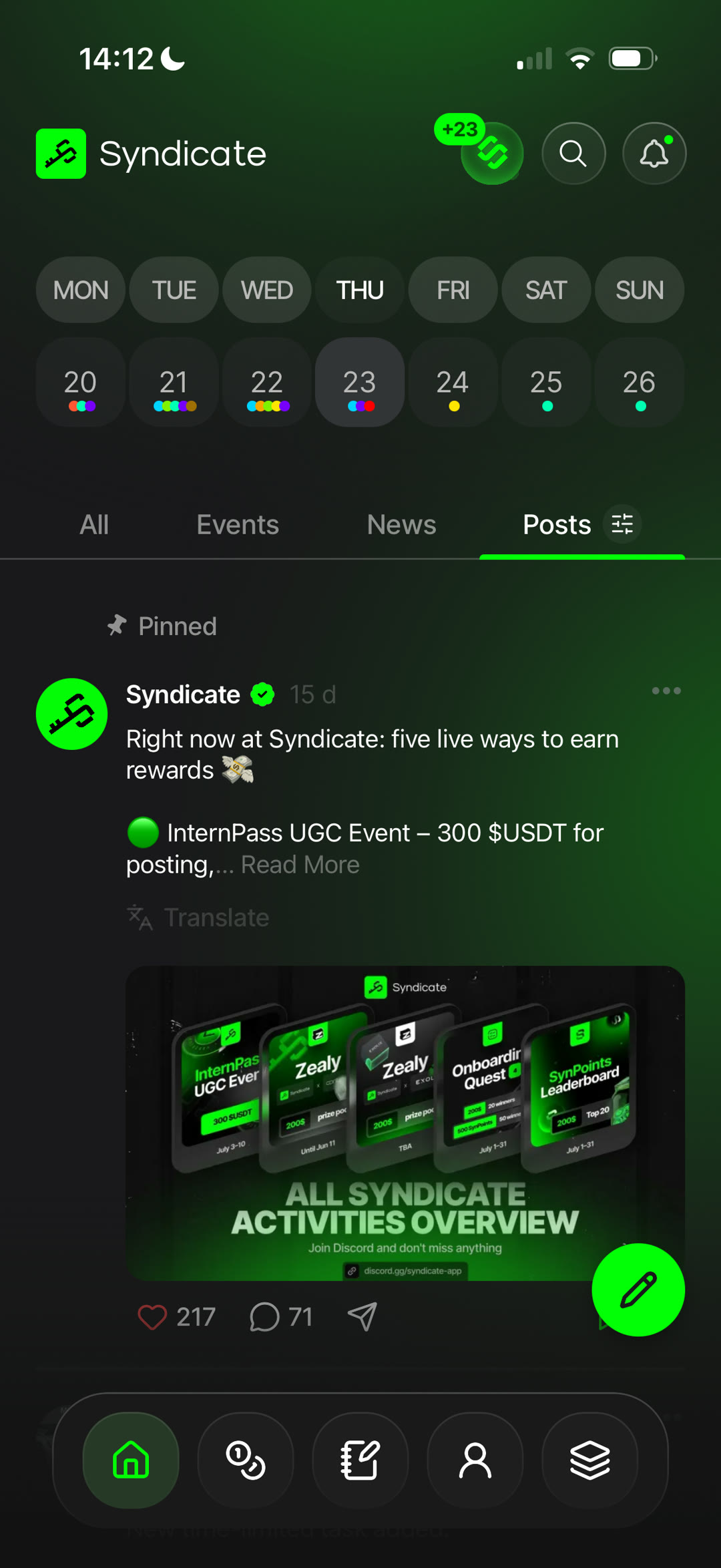
News 🟢
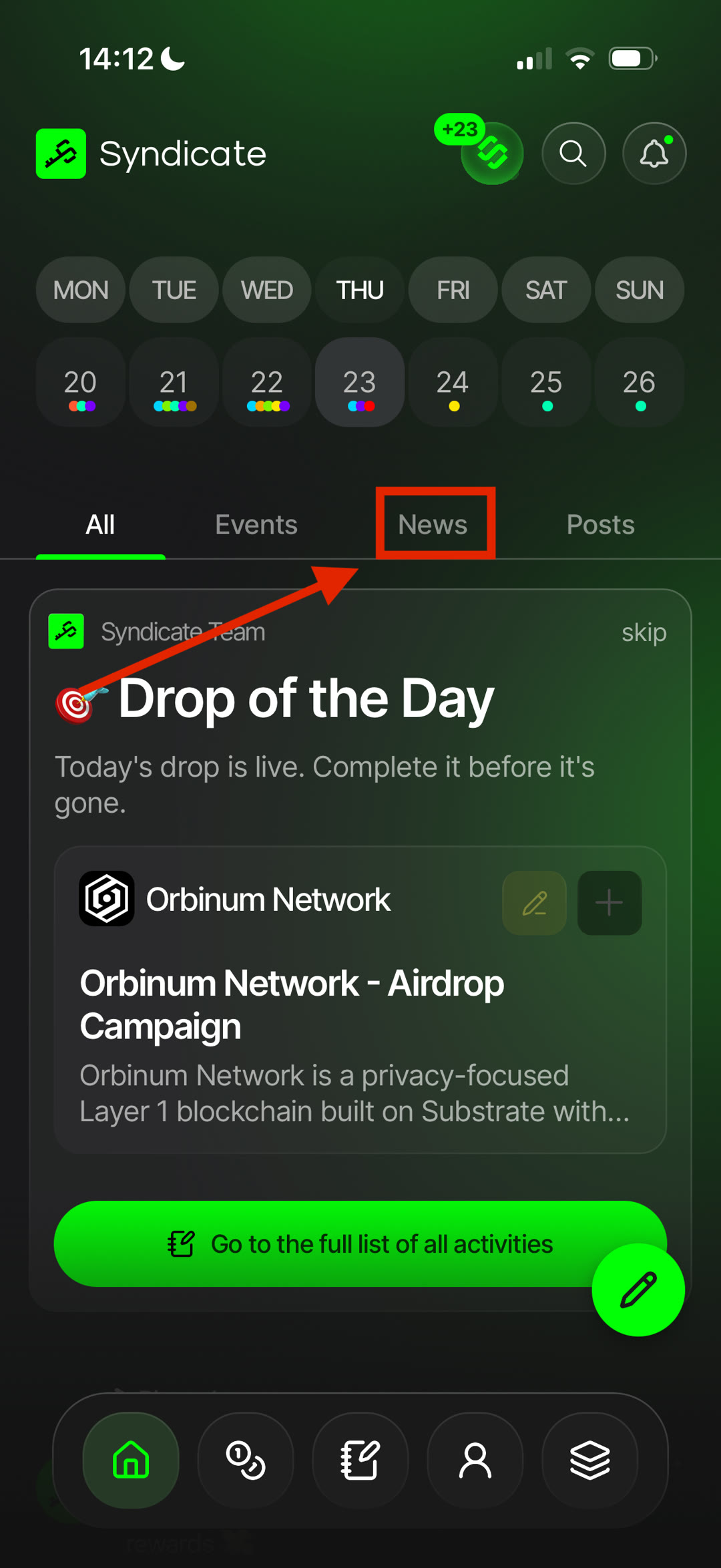
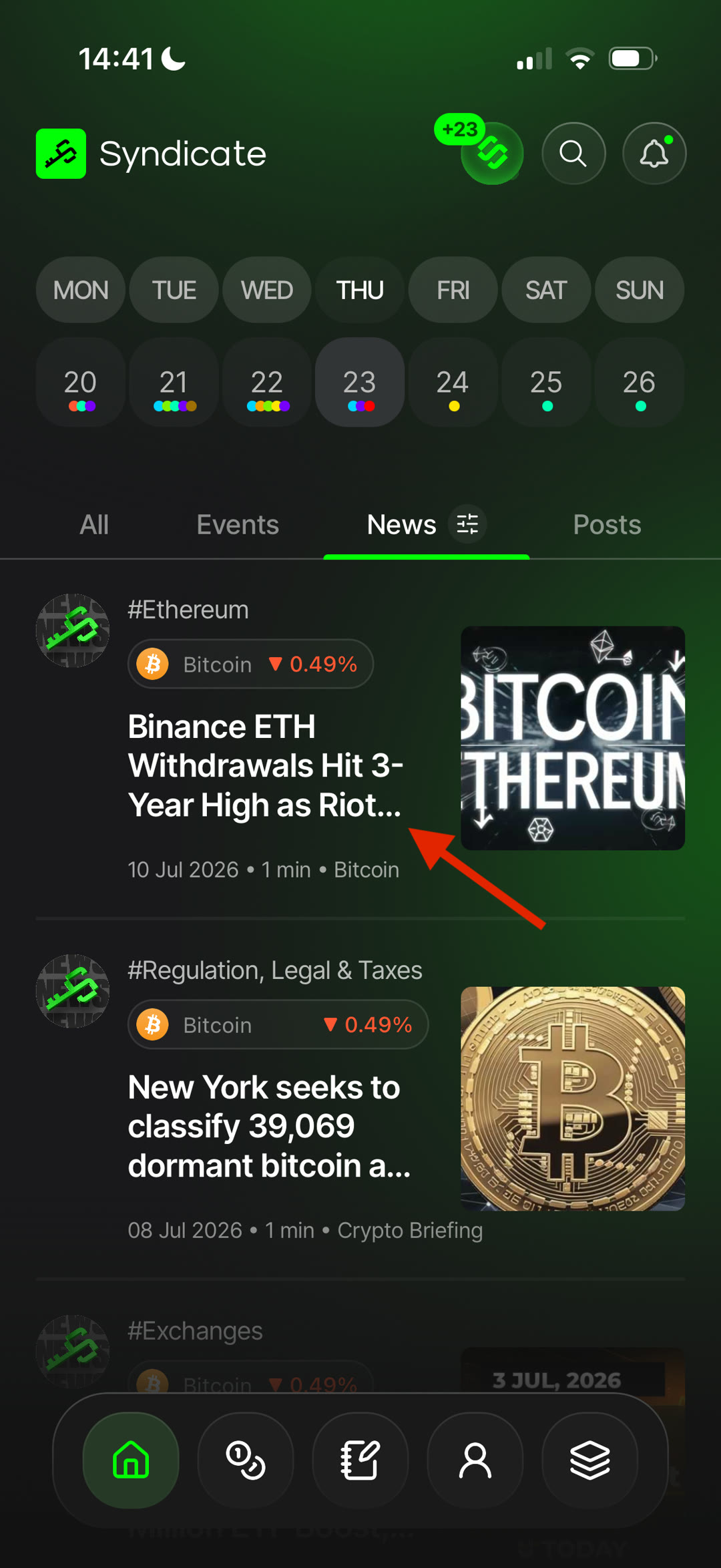
- What: News brings together important updates from projects and the broader crypto industry.
- Why: stay informed without leaving Syndicate.
- How: browse news by category to find the topics that interest you.
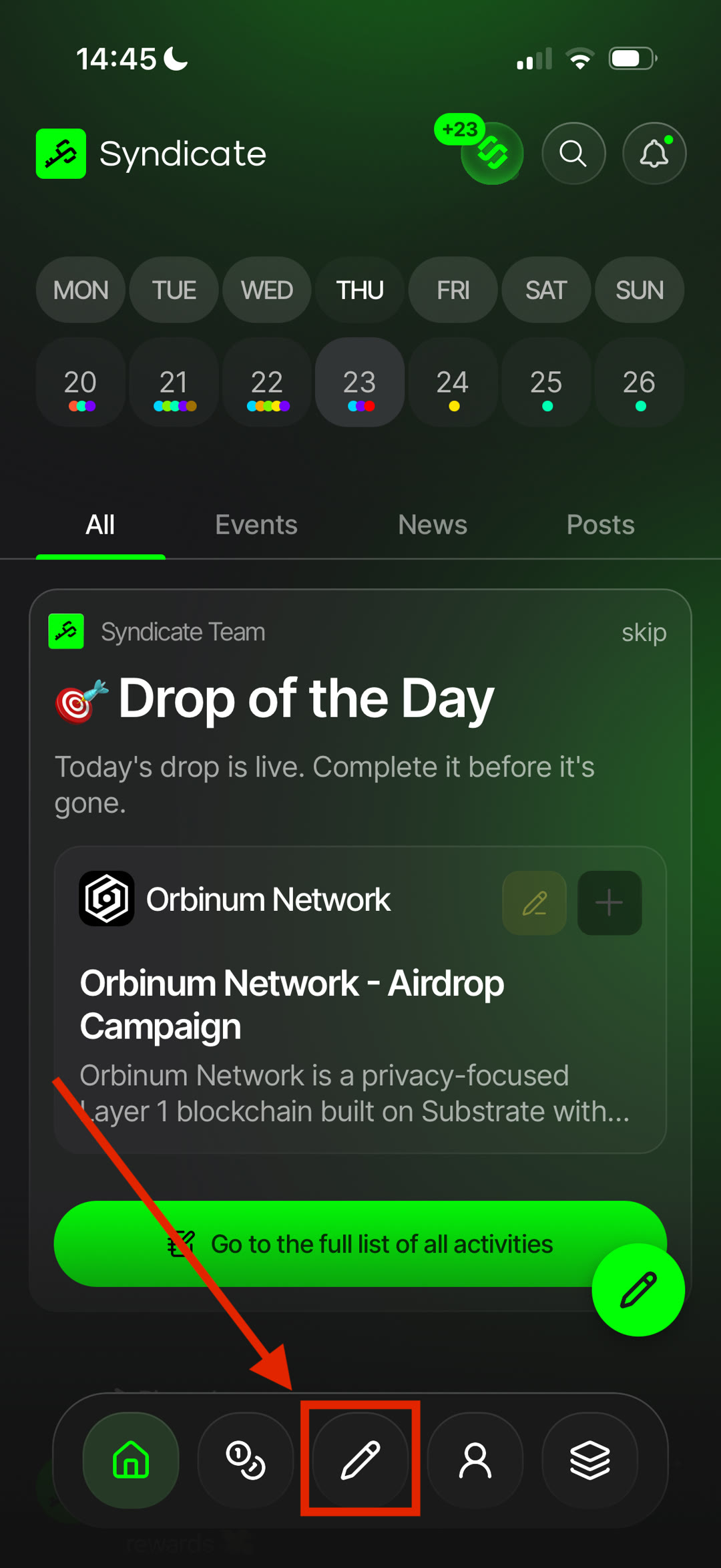
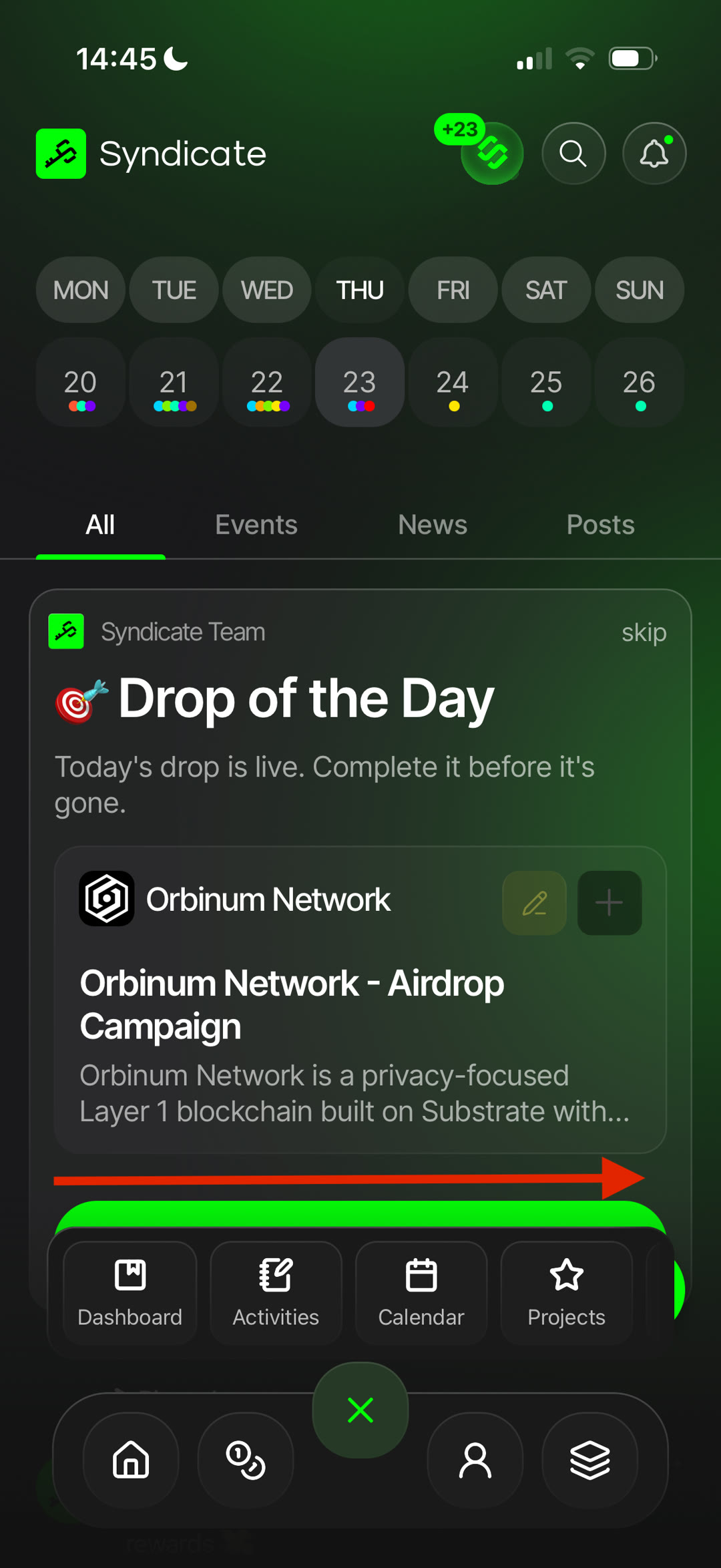
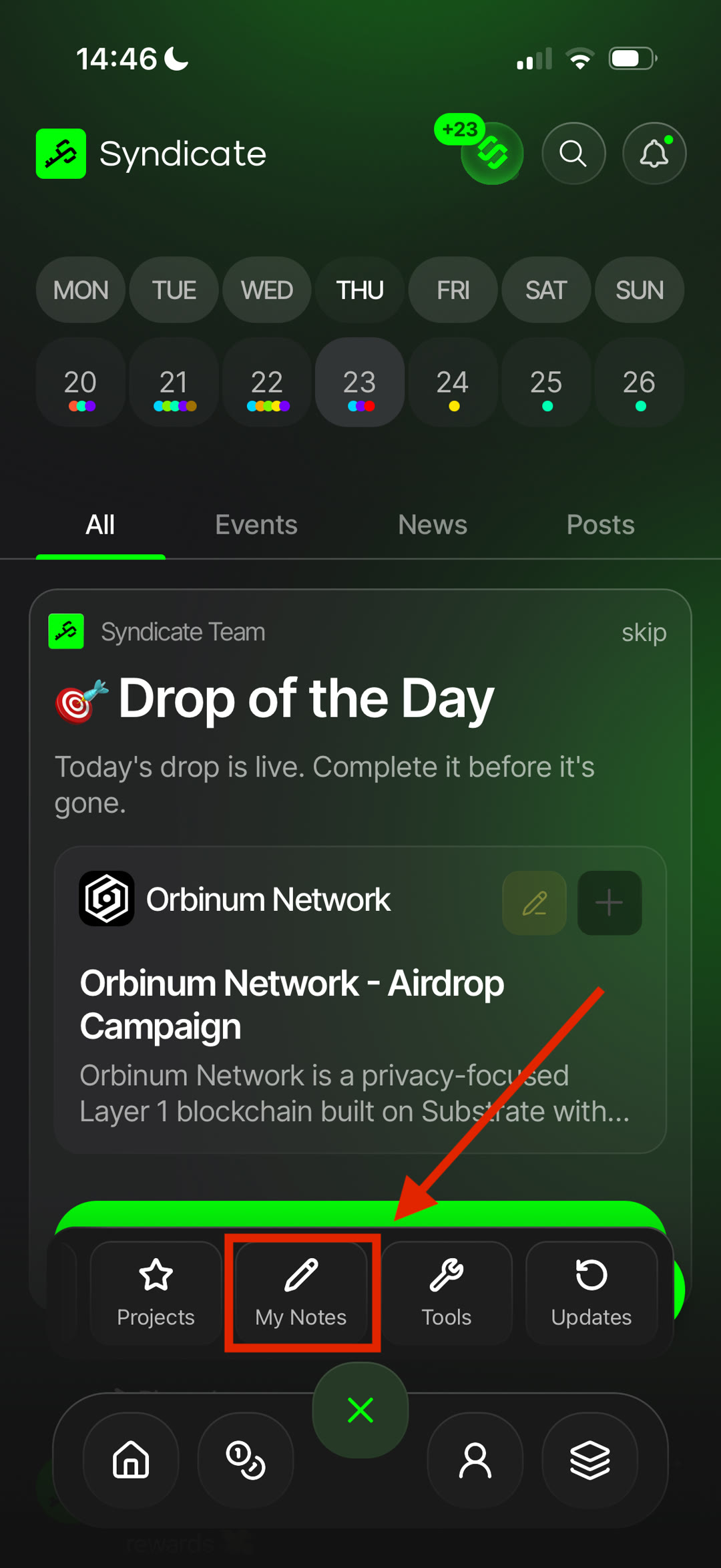
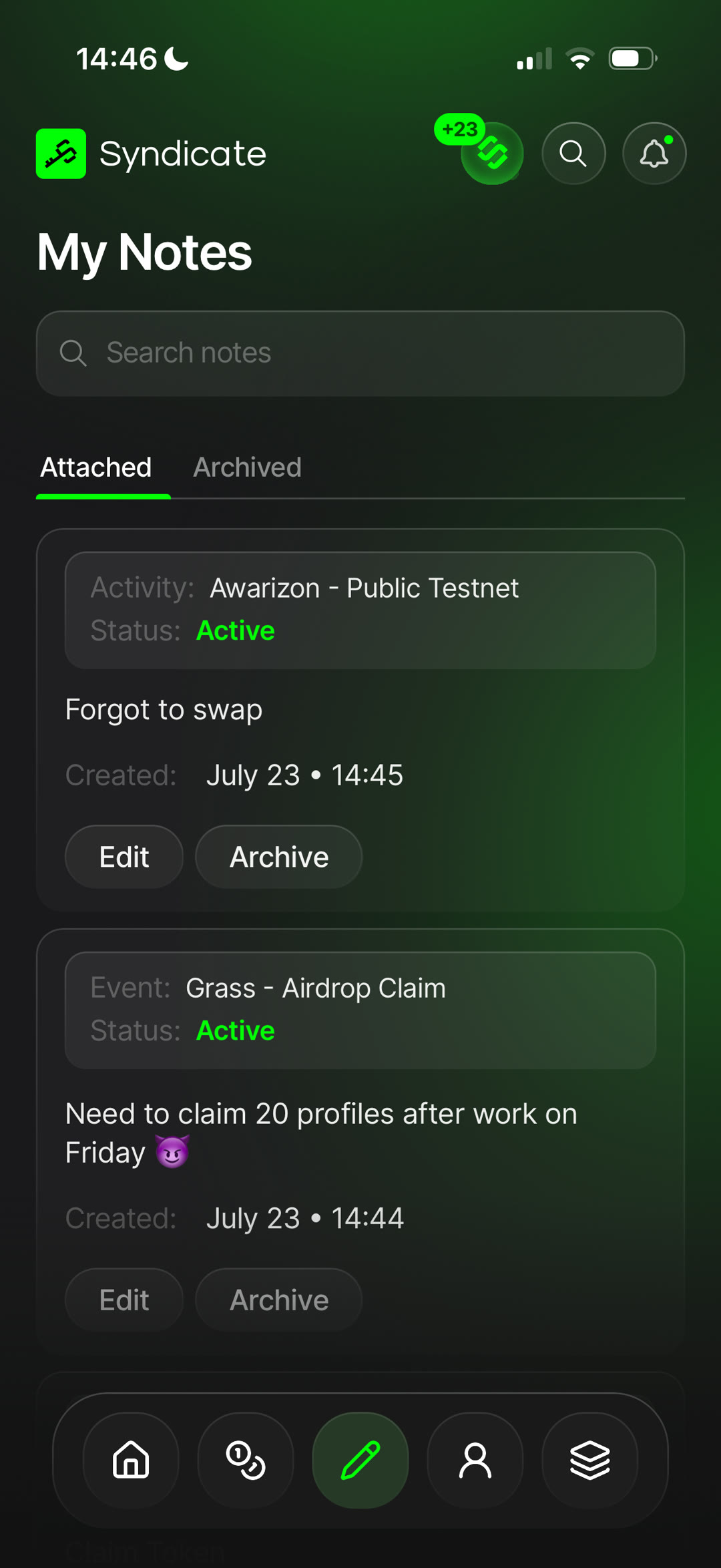
Notes 🟢
- What: Notes let you save personal information directly inside Syndicate.
- Why: store research, reminders, and anything you want to reference later.
- How: create notes whenever you need to save information.
Managing Notes — edit, archive, or delete your notes anytime. Restore archived notes whenever you need them.
Profile 🟢
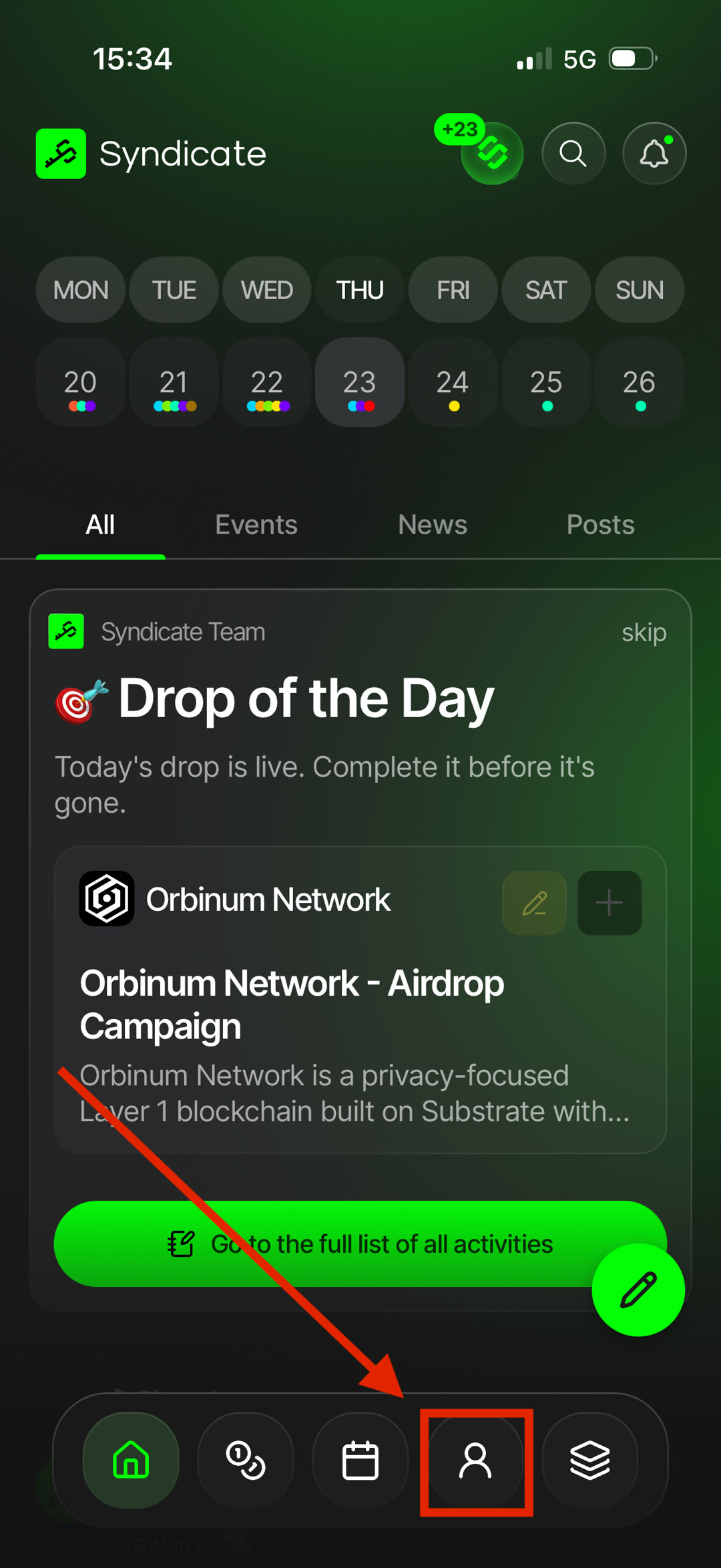
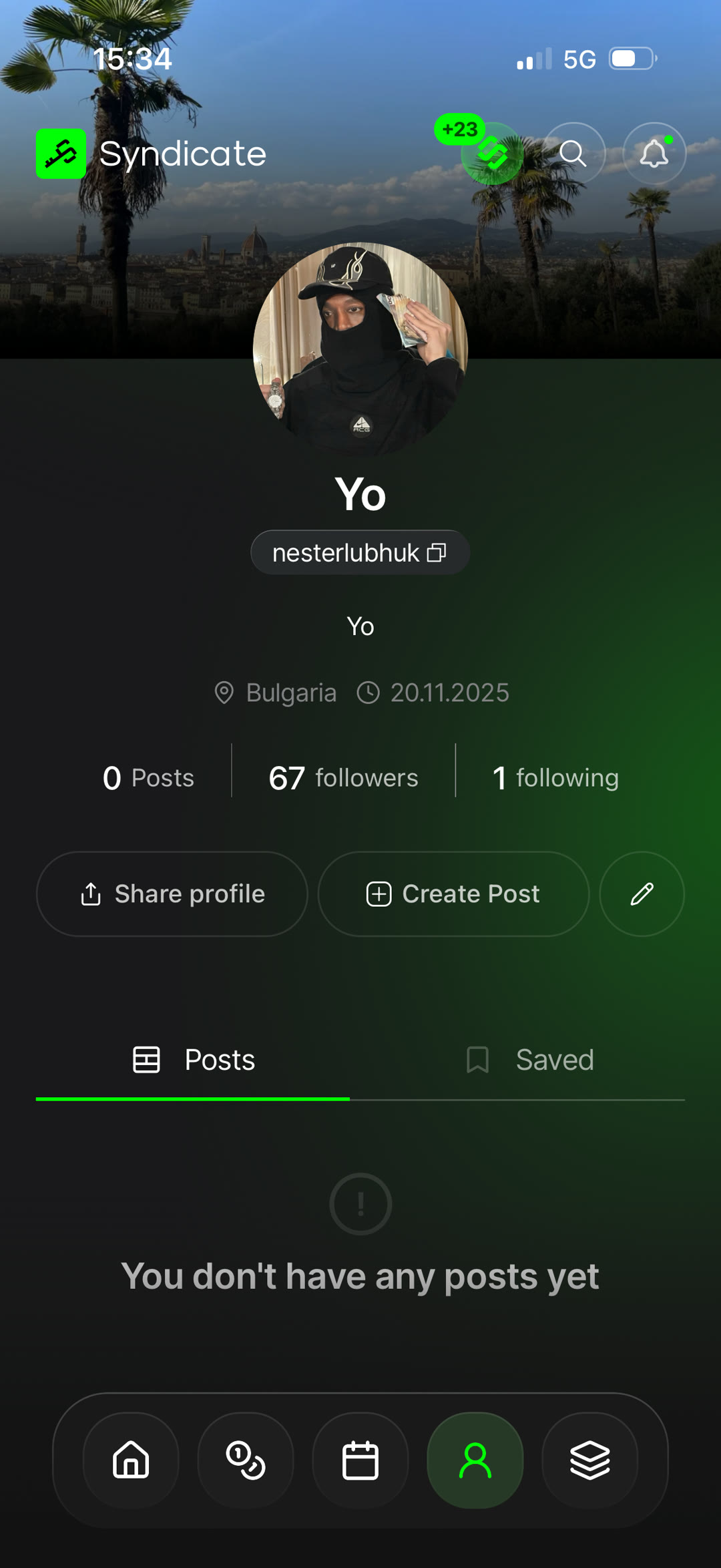
- What: your profile is your public identity in Syndicate.
- Why: view your posts, followers, and following, share your profile, create new posts, and access your saved content.
- How: update your profile details, avatar, and other personal information at any time.
Alerts 🟢
- What: Alerts notify you about important updates related to projects, tokens, events, and activities.
- Why: stay informed without constantly checking the app.
- How: choose what you want to follow and receive notifications when something changes.
Managing Alerts — view, edit, or remove your alerts at any time. Different alert types are available depending on the content you're following.
Token Pages 🟢
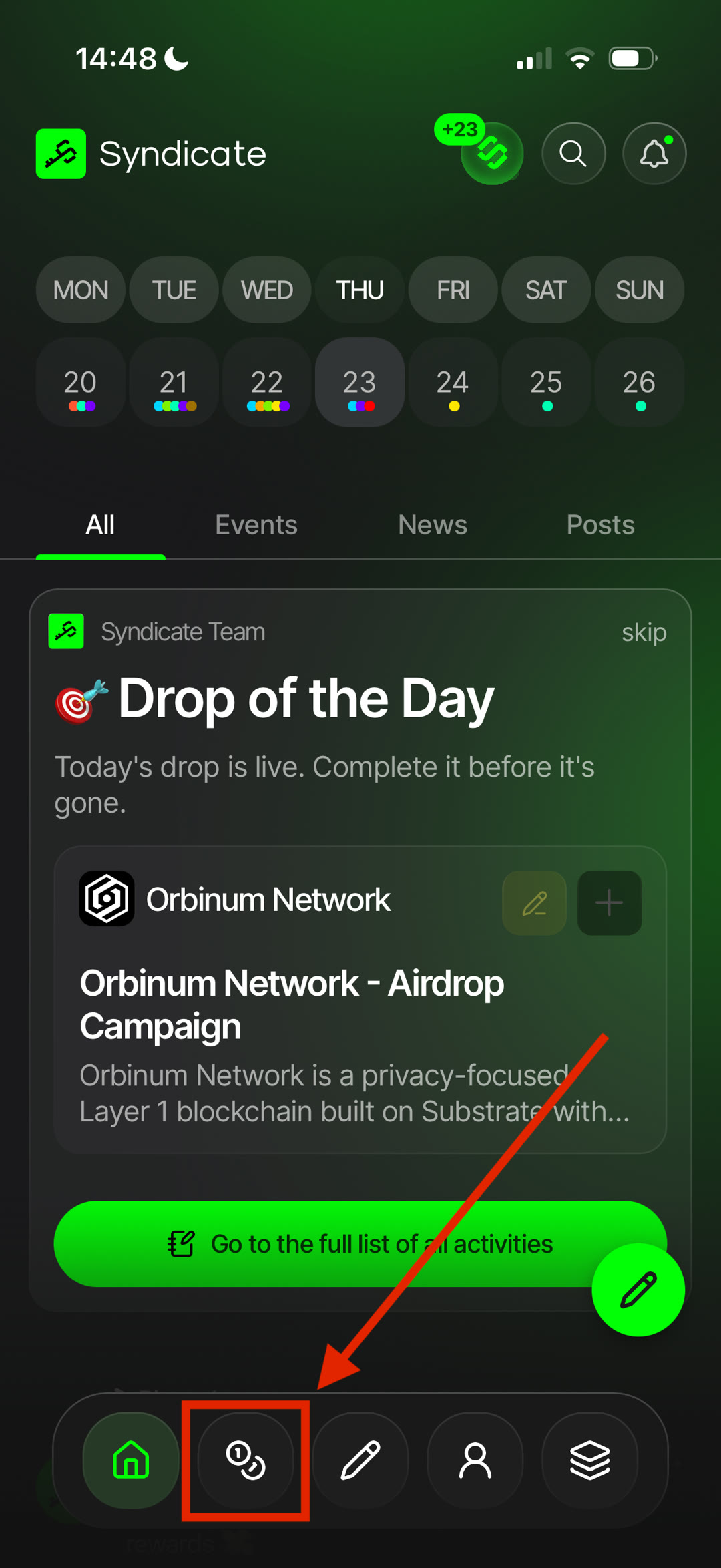
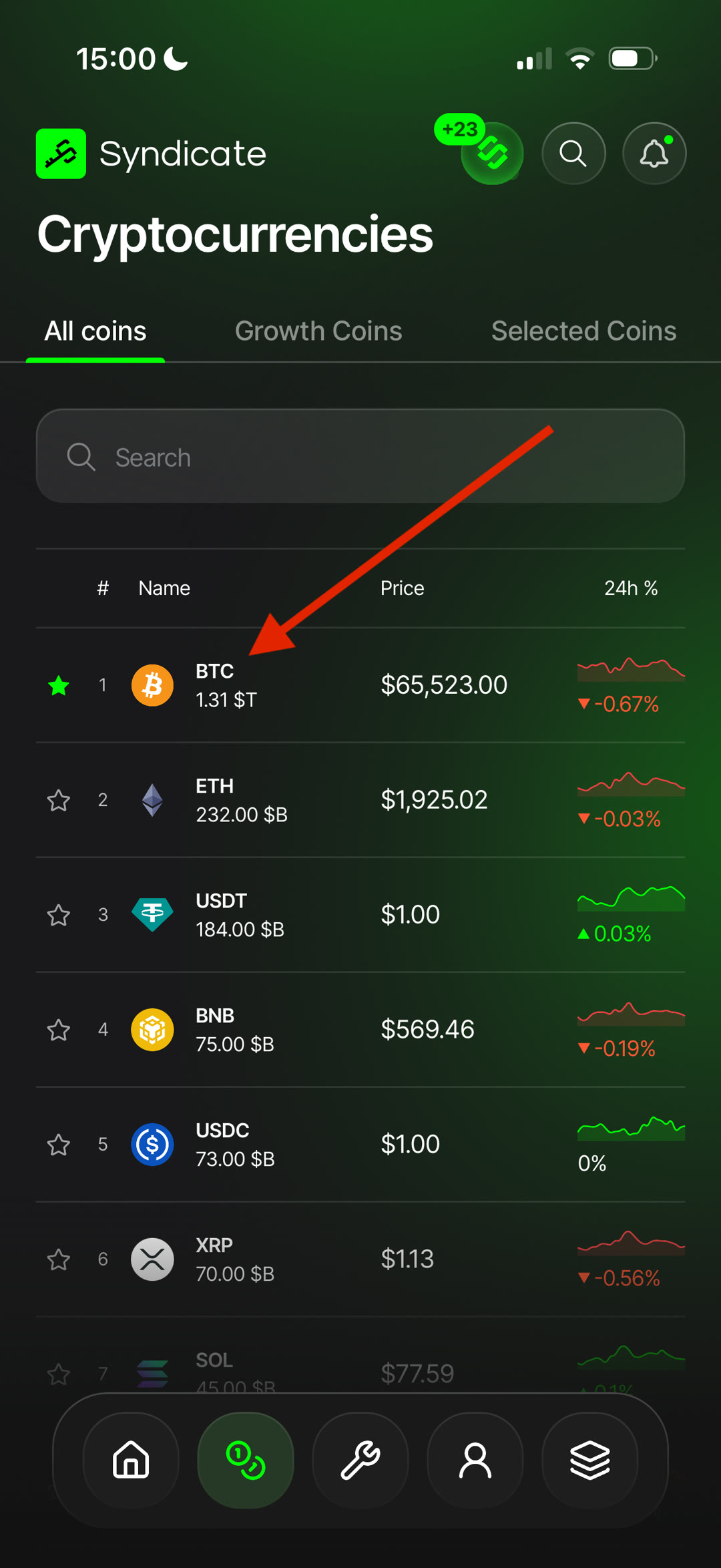
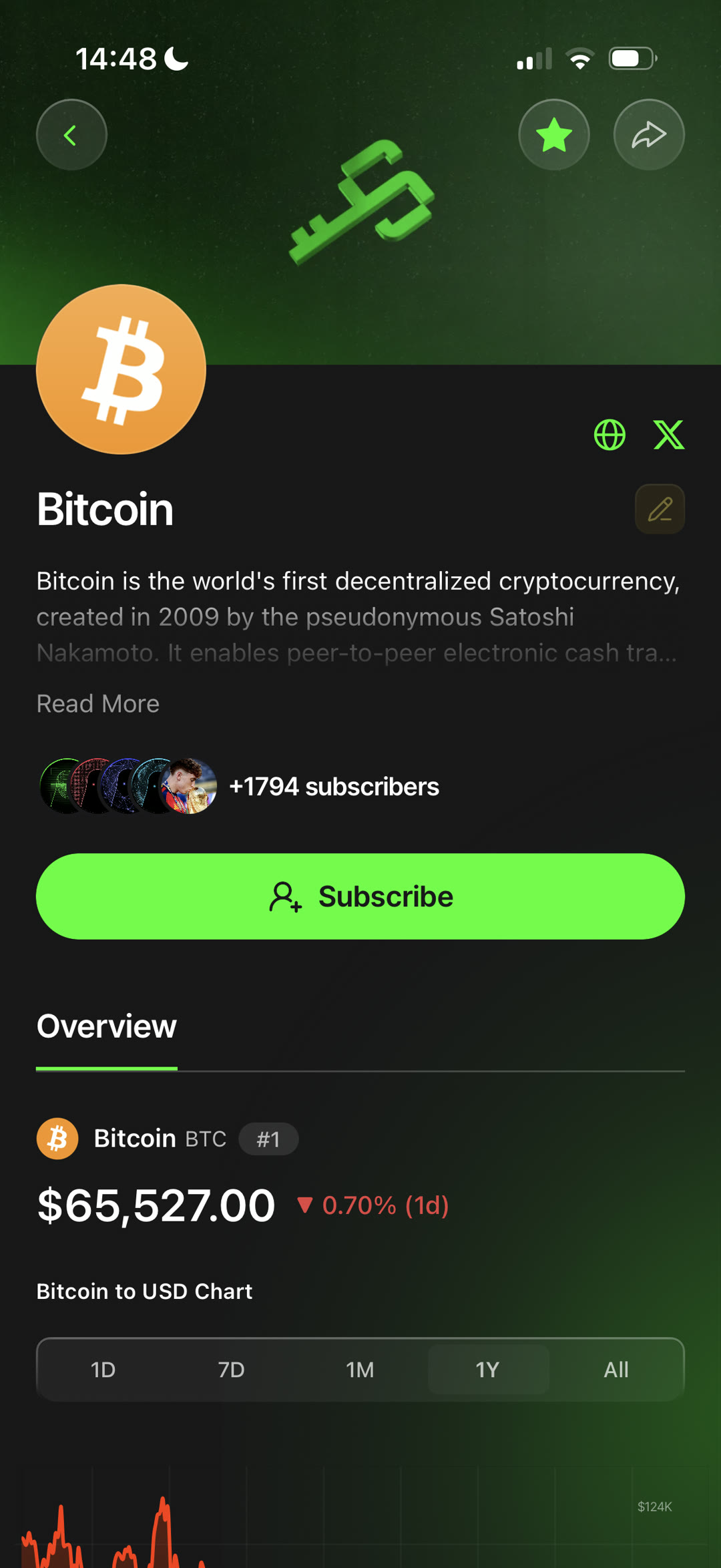
- What: each token has its own dedicated page with key information and market data.
- Why: quick context on any token — description, ecosystem, and other relevant details.
- How: track price, market capitalization, volume, and other available metrics, plus the latest news, events, and activities connected to the token.
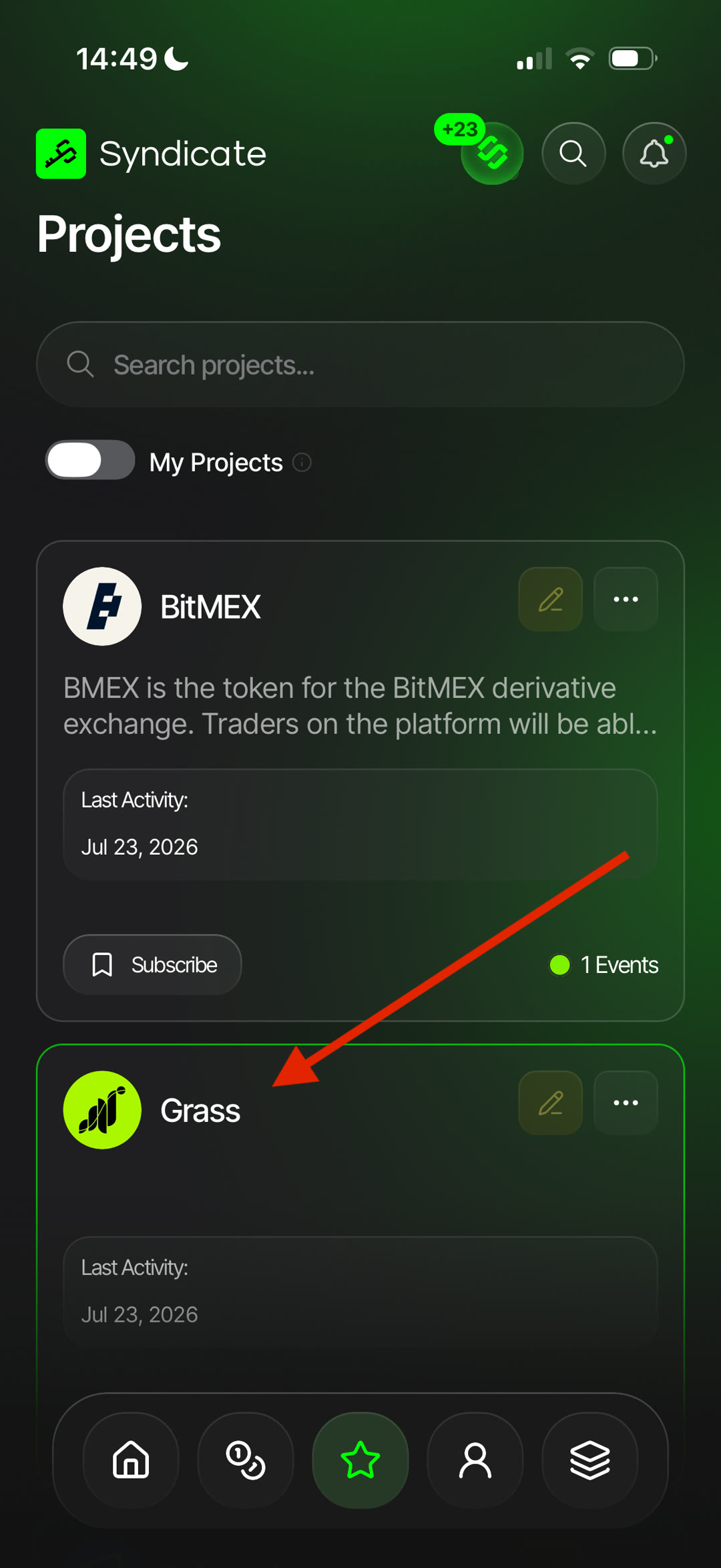
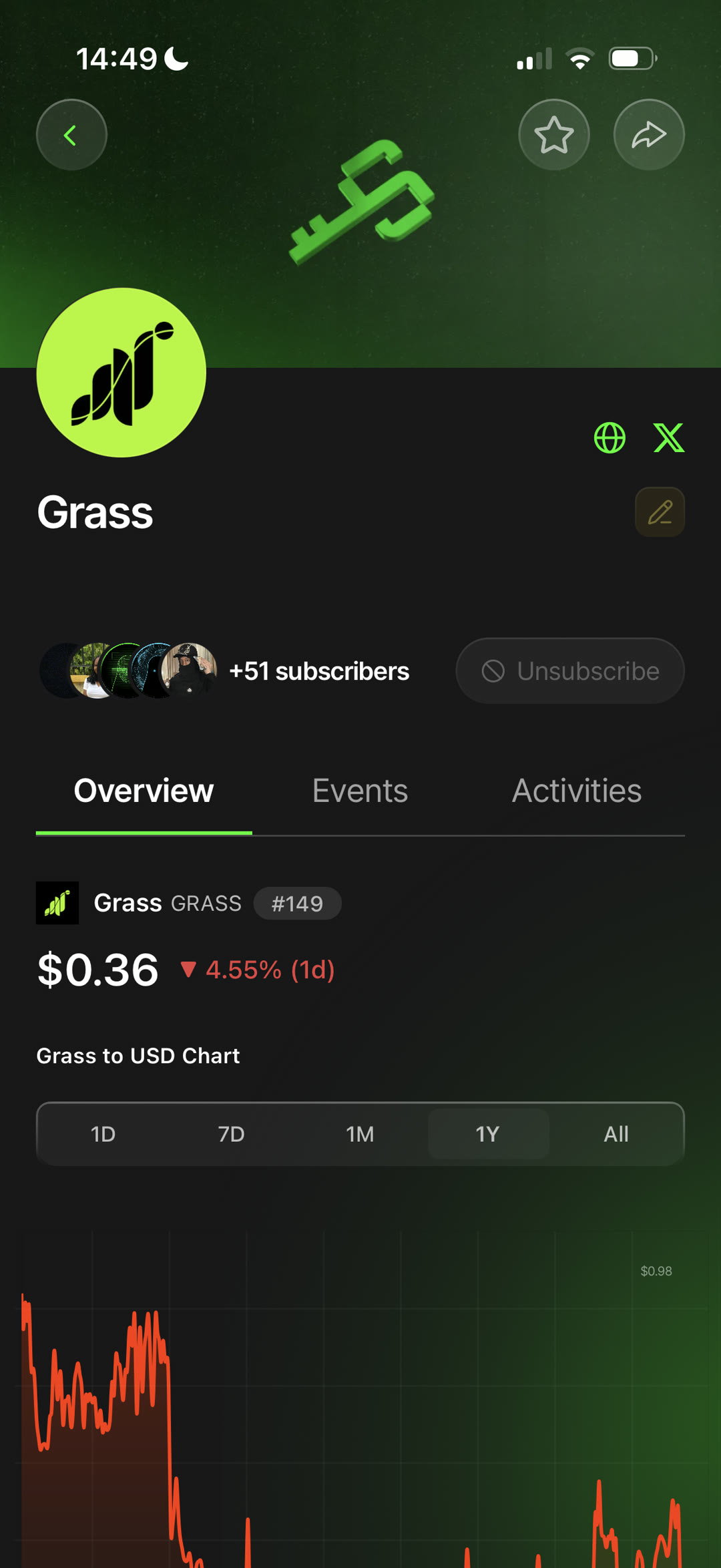
Project Pages 🟢
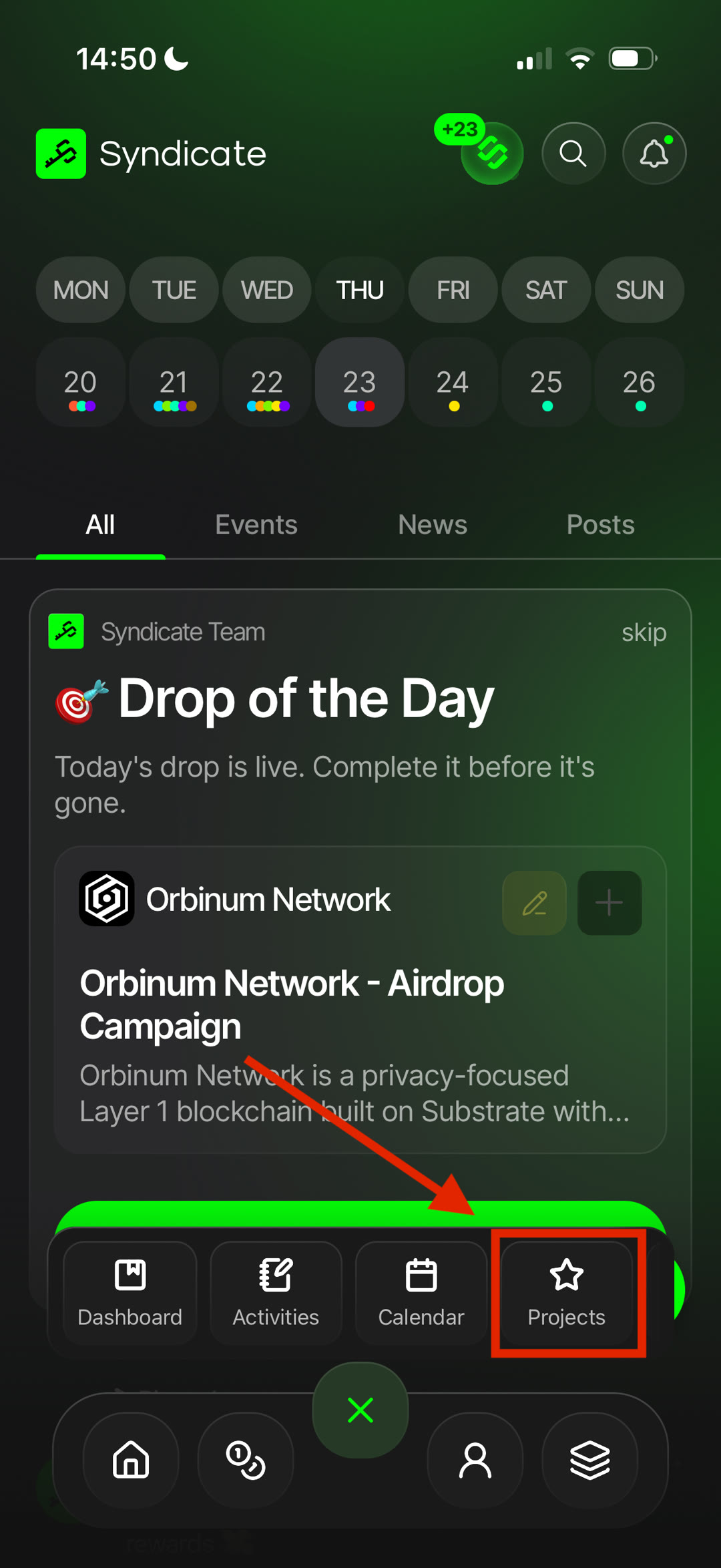
- What: each project has a dedicated page with its profile, resources, and activity.
- Why: learn about the project's purpose, ecosystem, and key details in one place.
- How: access official websites, social channels, and other useful resources, and browse the project's available campaigns, activities, and upcoming events.
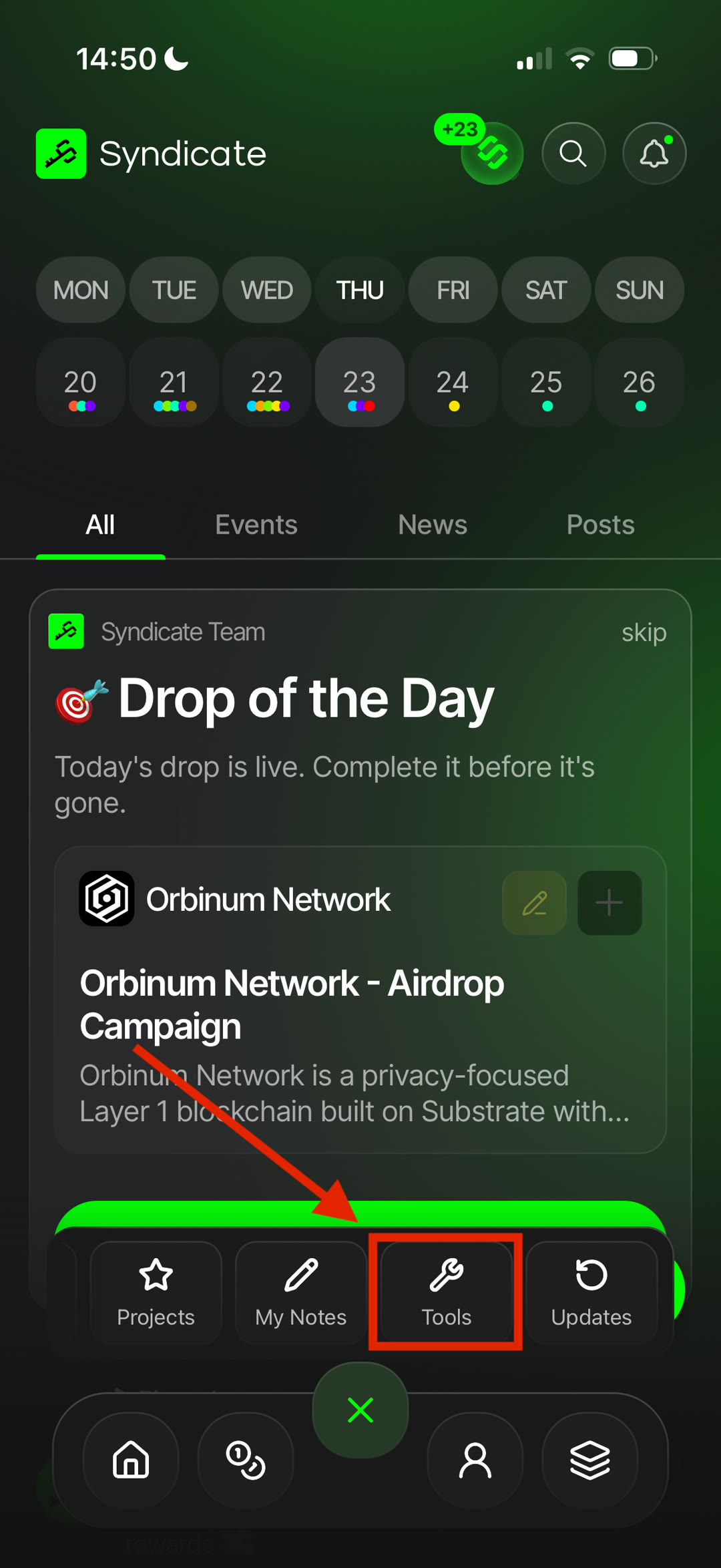
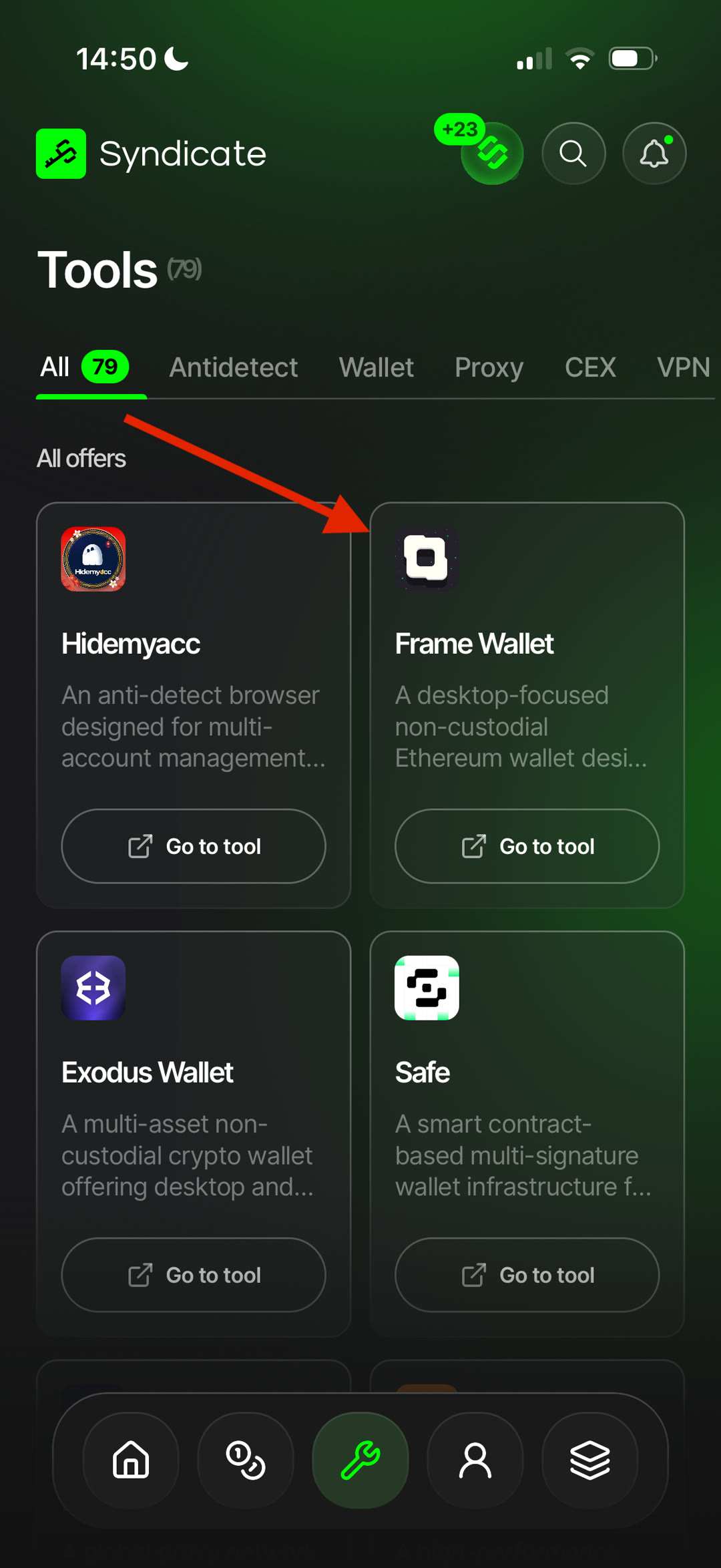
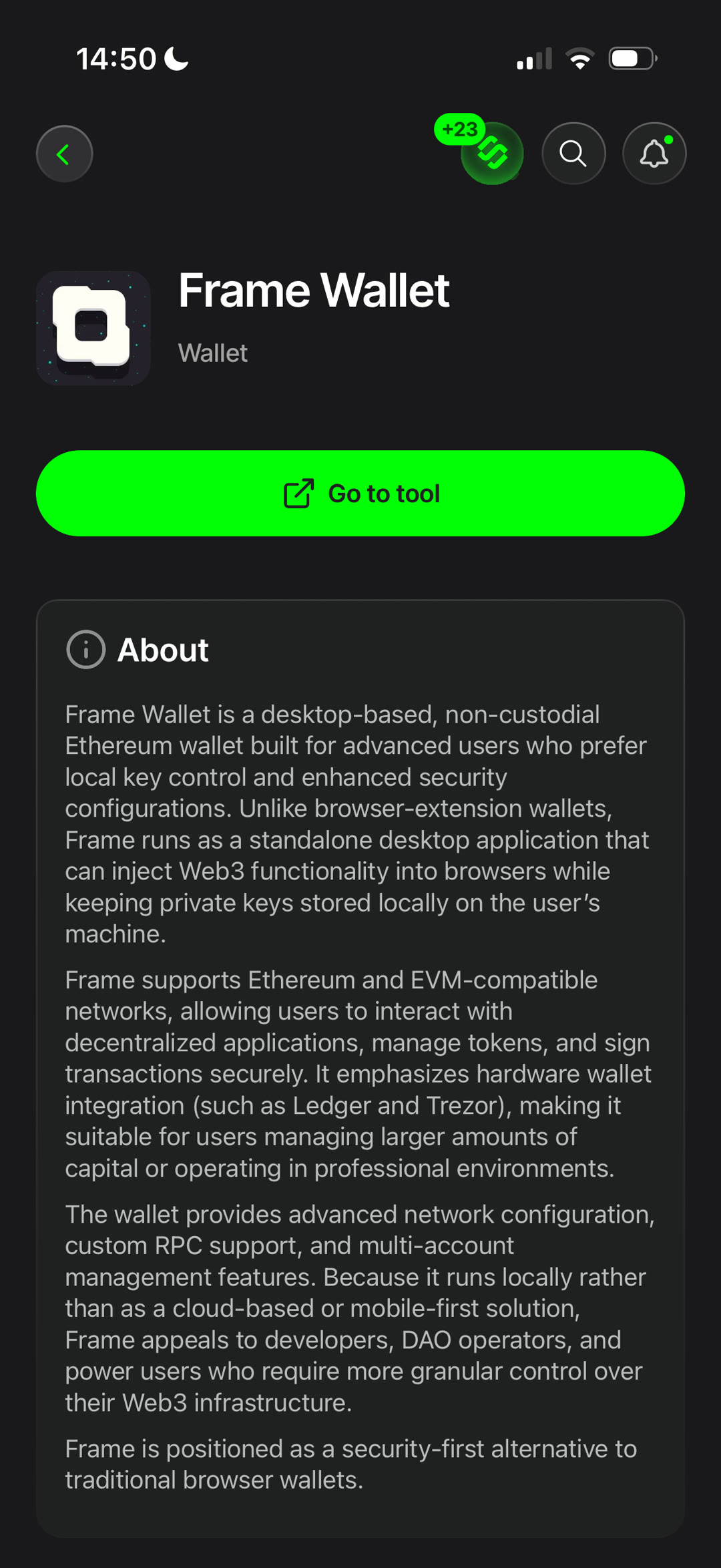
Tools 🟢
- What: verified tools recommended by Syndicate to help you participate in crypto campaigns more efficiently.
- Why: find reliable tools in one place instead of searching and comparing them yourself.
- How: every tool listed in Syndicate is reviewed before being added, helping you discover services trusted by the community.
Available Tools — depending on your needs, you'll find tools such as:
Wallets Exchanges VPNs Proxy providers Anti-detect browsers
…and other utilities for airdrops, farming, and on-chain activities.