Getting Started
Tip
From download to your first SynPoints in under 5 minutes.
Create an account
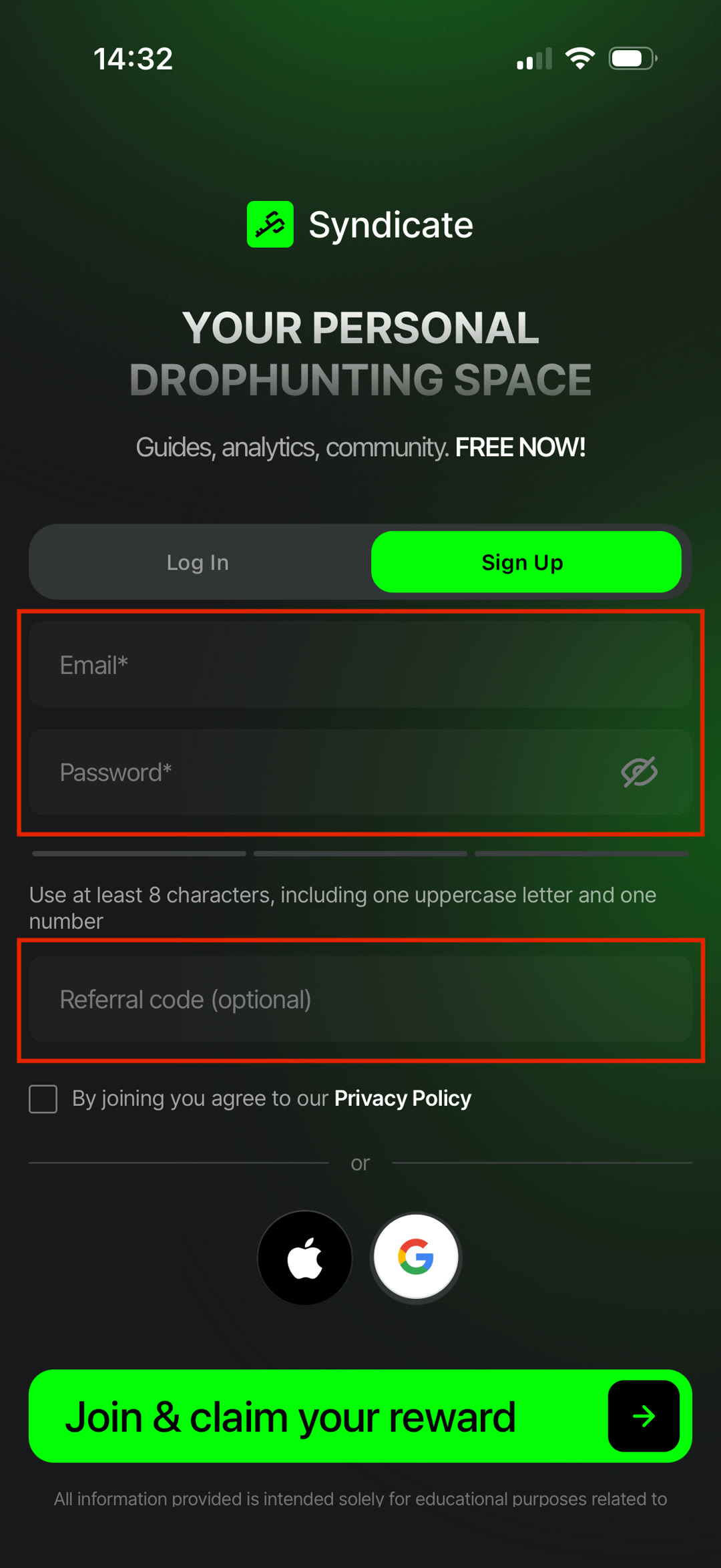
- Download the Syndicate app or open the web version.
- Sign up with your email, Google, or Apple.
- Enter a referral code (optional) if you have one.
- Set up your profile — name, avatar, and interests.
First Steps
Do these five things to get started with Syndicate:
- Complete Onboarding — a quick introduction to the app and its core features.
- Finish the Onboarding Quest — complete 6 simple tasks to earn 50 SynPoints and enter a raffle for $200 USDT + 500 SynPoints.
- Daily Check-in — open your personal dashboard every day to build your streak and earn more SynPoints.
- Earn Your First SynPoints — complete activities around the app to start collecting rewards.
- Enable Notifications — turn on push notifications so you never miss a new campaign, event, or drop.
Tip
Completing the Onboarding Quest gives you your first 50 SynPoints and enters you into the $200 USDT + 500 SynPoints onboarding raffle — your first opportunity to earn rewards through Syndicate.